Sample File Setup -Importing-
Converting audio les
1
Refer to Card Reader Mode( → P.139) to connect to your PC/
Mac and copy the audio les that you want to convert to the
following location on the card.
"USB Drive:\Lo-12XT \Convert”
2
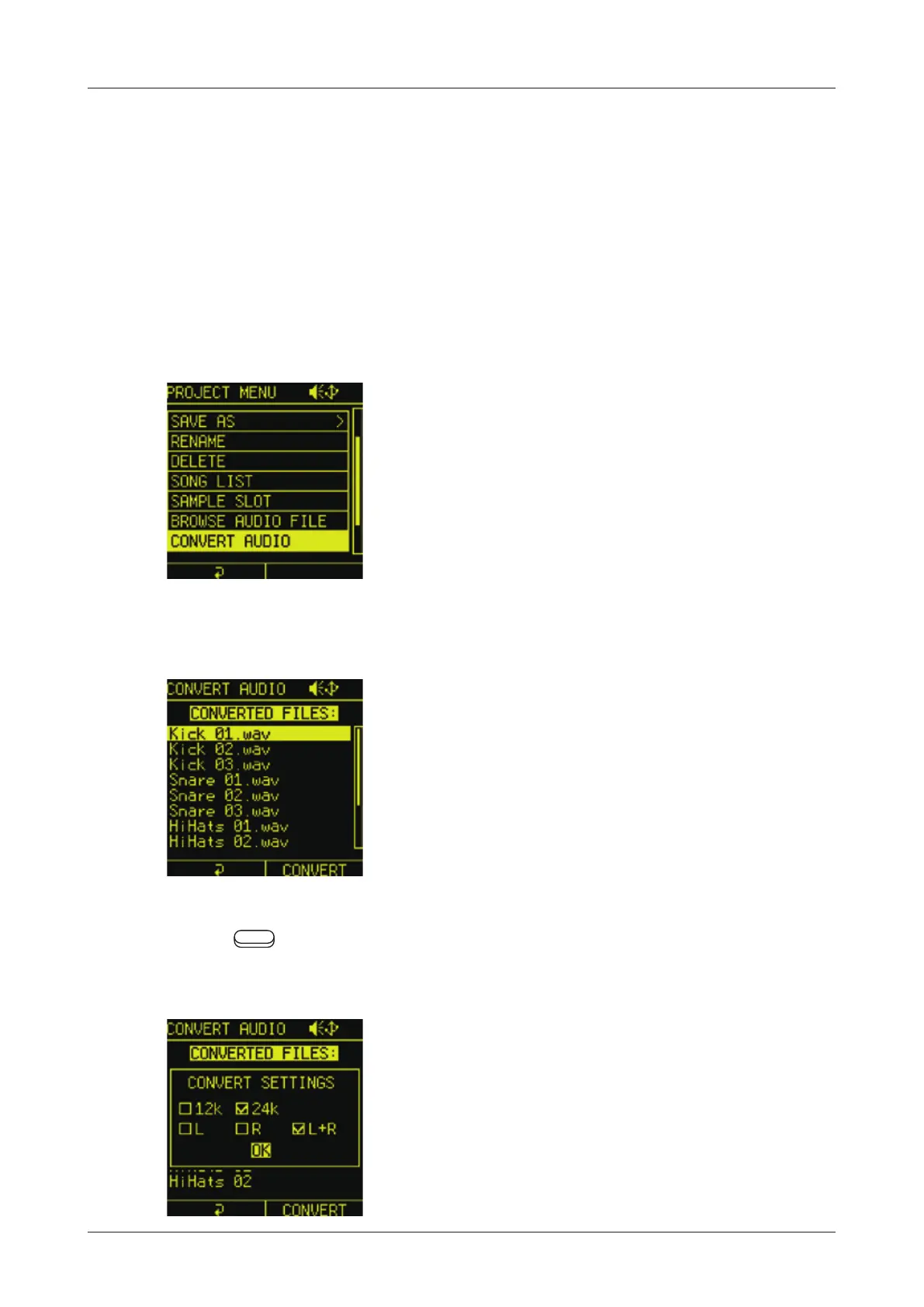
In the PROJECT MENU, select CONVERT AUDIO.
All the subject les in the Convert folder will be shown.
3
P r e s s
Auxiliary right button CONVERT to open CONVERT
SETTINGS.
45



 To Next Page