EasyManua.ls Logo

Sonicware LoFi-12 XT - Page 51

Sonicware LoFi-12 XT
148 pages
Print Icon
To Next Page IconTo Next Page
To Previous Page IconTo Previous Page
Loading...
Sample File Setup - Loading into Sample Slots -
TAG SEARCH
OK
Select sample
CLR
Exit TAG SEARCH
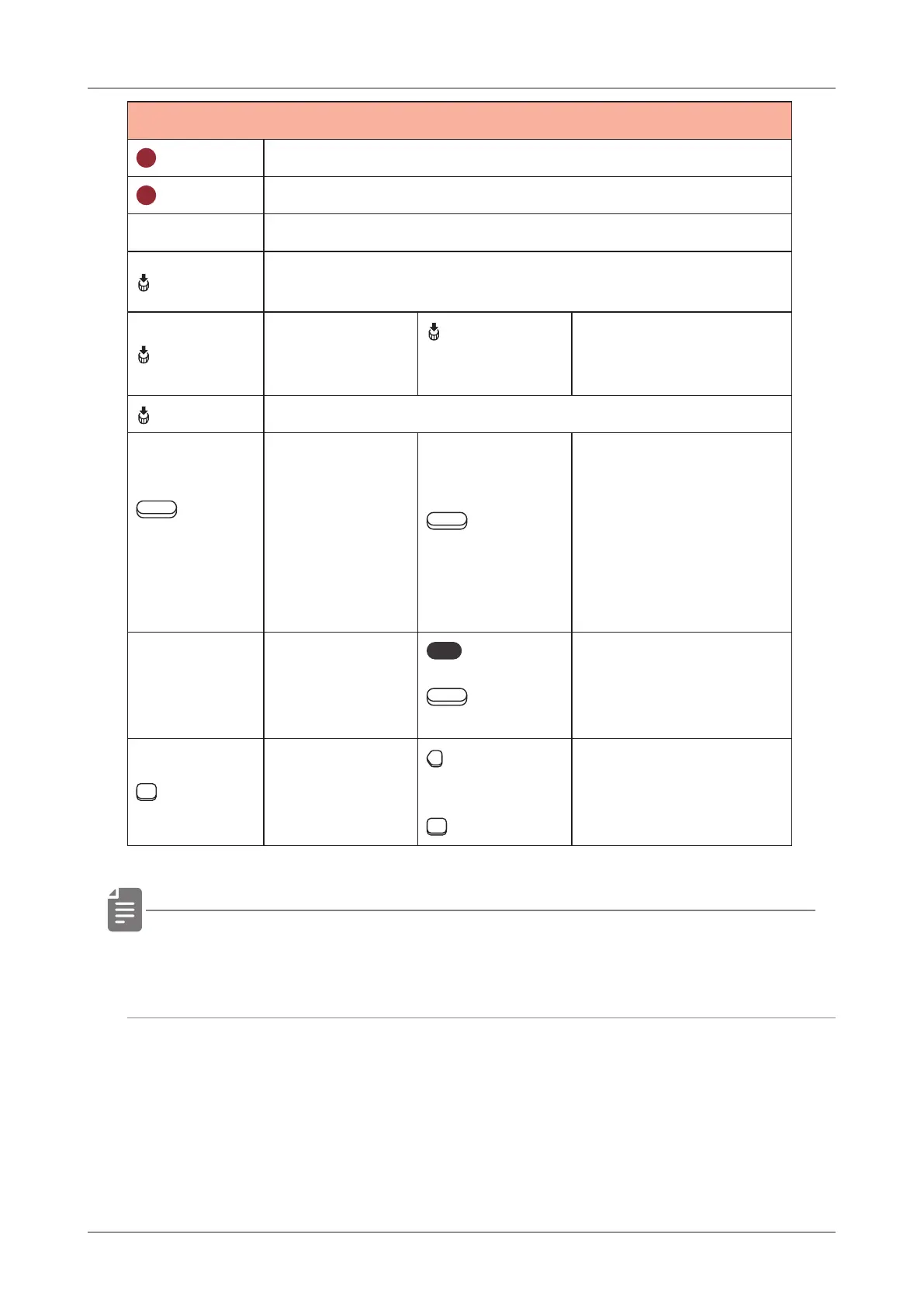
D-pad Move cursor
B (Push)
Update the audio le database to the latest state.
The update process usually takes about 3 minutes.
C (Push)
Switch to
TAG EDIT
mode
C (Push)
(TAG EDIT
MODE)
SAVE TAG
Finish TAG EDIT
mode
D (Push) Show samples that do not have set tags
Auxiliary left
button
BROWSE
Switch to
the SAMPLE
POOL.
Auxiliary
right button
LOAD
Load selected les
to the track and
sample slots.
If multiple les are
selected, they will be
loaded sequentially
to empty slots.
func
+
Auxiliary
right button
DELETE
Delete the selected
sample les.
15 PADs
Turn on/o󱐯
tags shown
Page left
switch
+
15 PADs
Minus search
Turn on/o󱐯 the tags
not shown.
By opening a folder in SAMPLE POOL, you can search only the
les within the folder.
51

Related product manuals