Sample File Setup - Loading into Sample Slots -
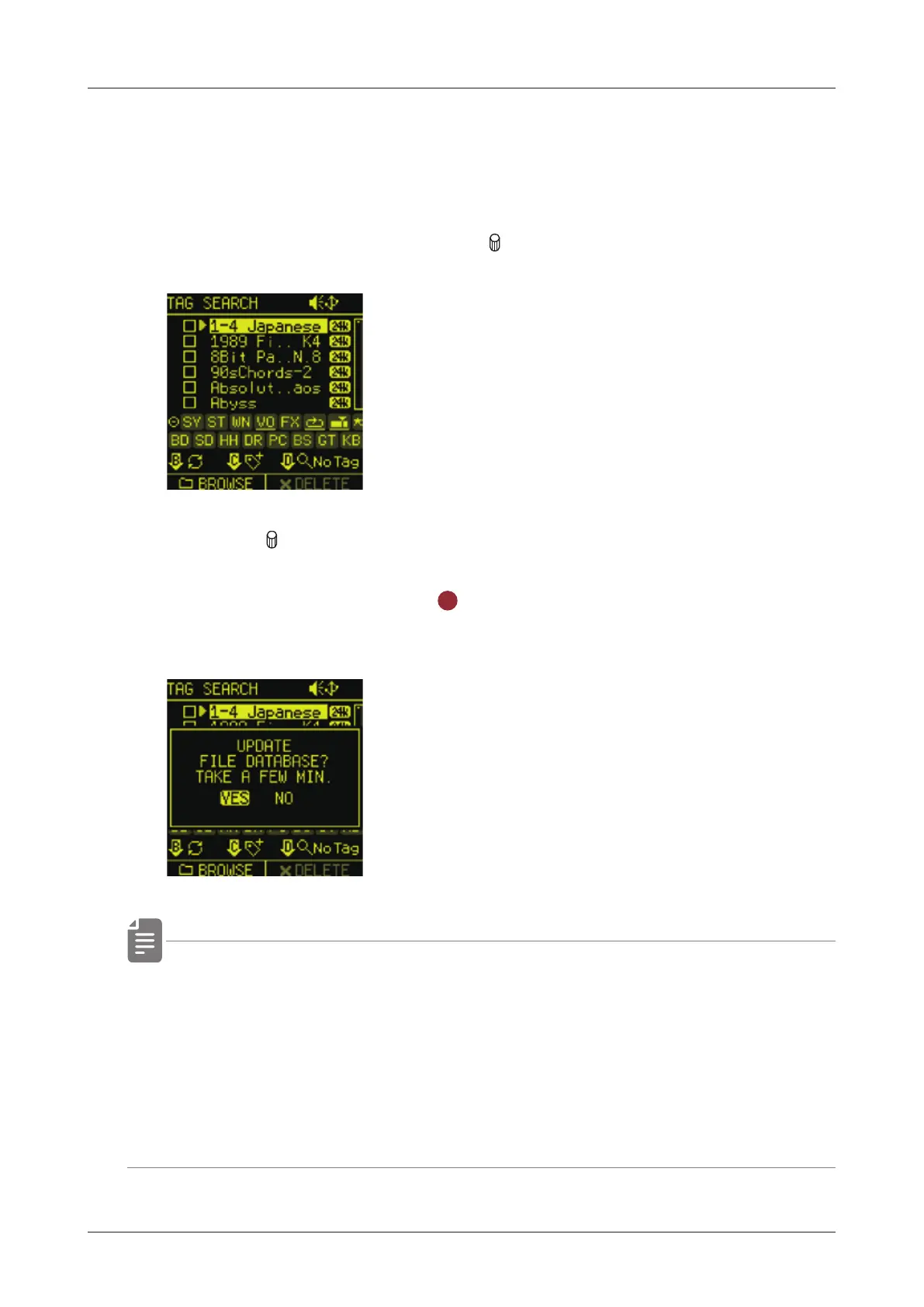
Update the audio le database
If you have added audio les or shared project data, please update the
audio le database.
1
On the SOUND page, push the A knob to open TAG SEARCH.
2
Push the B knob.
3
Select YES and press the
OK
button to update the database to
the latest state.
• If you do not update the database, the newly added audio les
will not appear in the SAMPLE POOL/TAG SEARCH.
• The update process usually takes about 3 minutes.
If the number of audio les on the card is large, it may take
longer.
59



 To Next Page