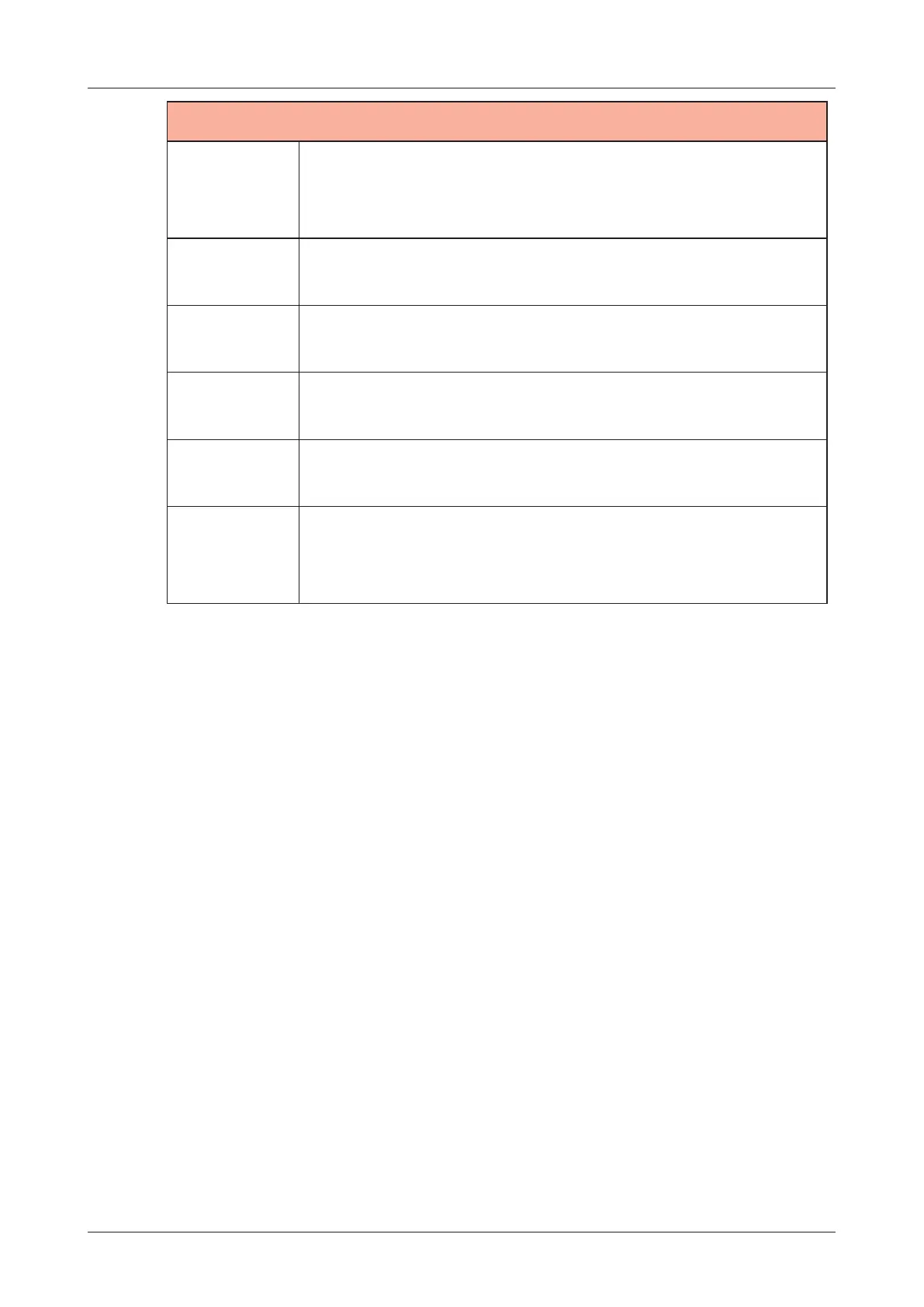
Sample File Setup - Loading into Sample Slots -
SLOT MENU
LOAD TO
TRACK
This loads the selected sample slot to the already
selected track.
This can be used when one slot is selected.
BROWSE
SAMPLE
This opens the SAMPLE POOL mode.
SELECT
ALL
This selects all sample slots.
DESELECT
ALL
This deselects all slots.
UNLOAD
This removes the samples from the selected
sample slots.
OPTIMIZE
Defragment sample slots memory (64 MB)
caused by loading and unloading samples to free
up space.
58



 To Next Page