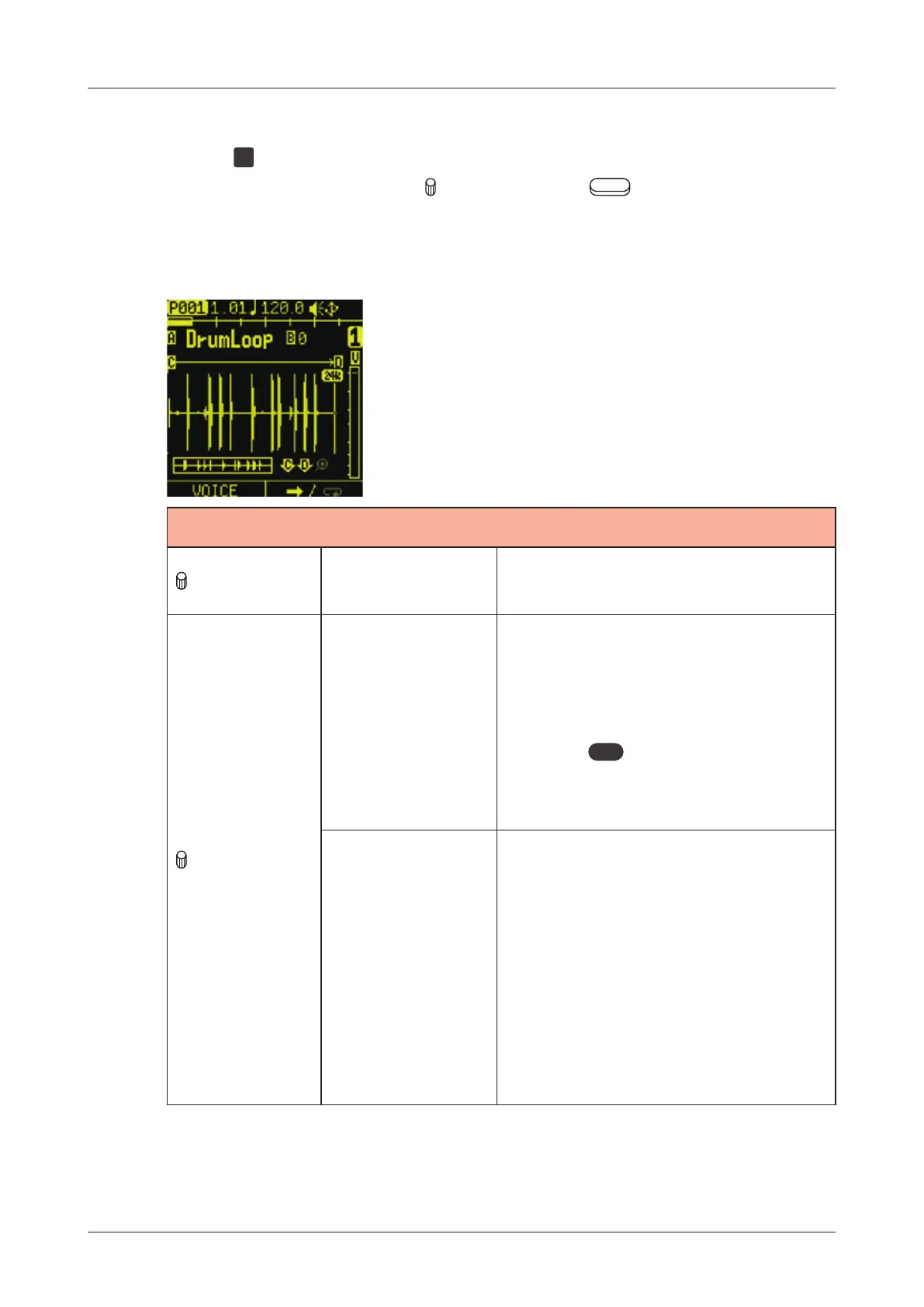
SOUND page
Sample and voice mode settings can be made on the SOUND page.
Press the
SND
pad to open the SOUND page.
Edit the parameters with the
knobs and the Auxiliary buttons.
Editing a sample
SEQ MODE
A knob SAMPLE SLOT
1 - 256:
Sample (slot) selection
B knob
PITCH
-1200 - +1200:
This changes the pitch.
Turn slowly to adjust the pitch
by one cent at a time.
Holding
func
and turn this knob
to adjust per semi-tone (100
cents).
REPITCH
TO
TEMPO
HALF, 1BAR, 2BARS,
3BARS, 4BARS, 8BARS:
By setting the number of bars
in the selection, the pitch is
changed so that the sample is
the right length for the tempo.
If the sample exceeds BPM
40 - 250, the pitch is not be
changed.
63



 To Next Page