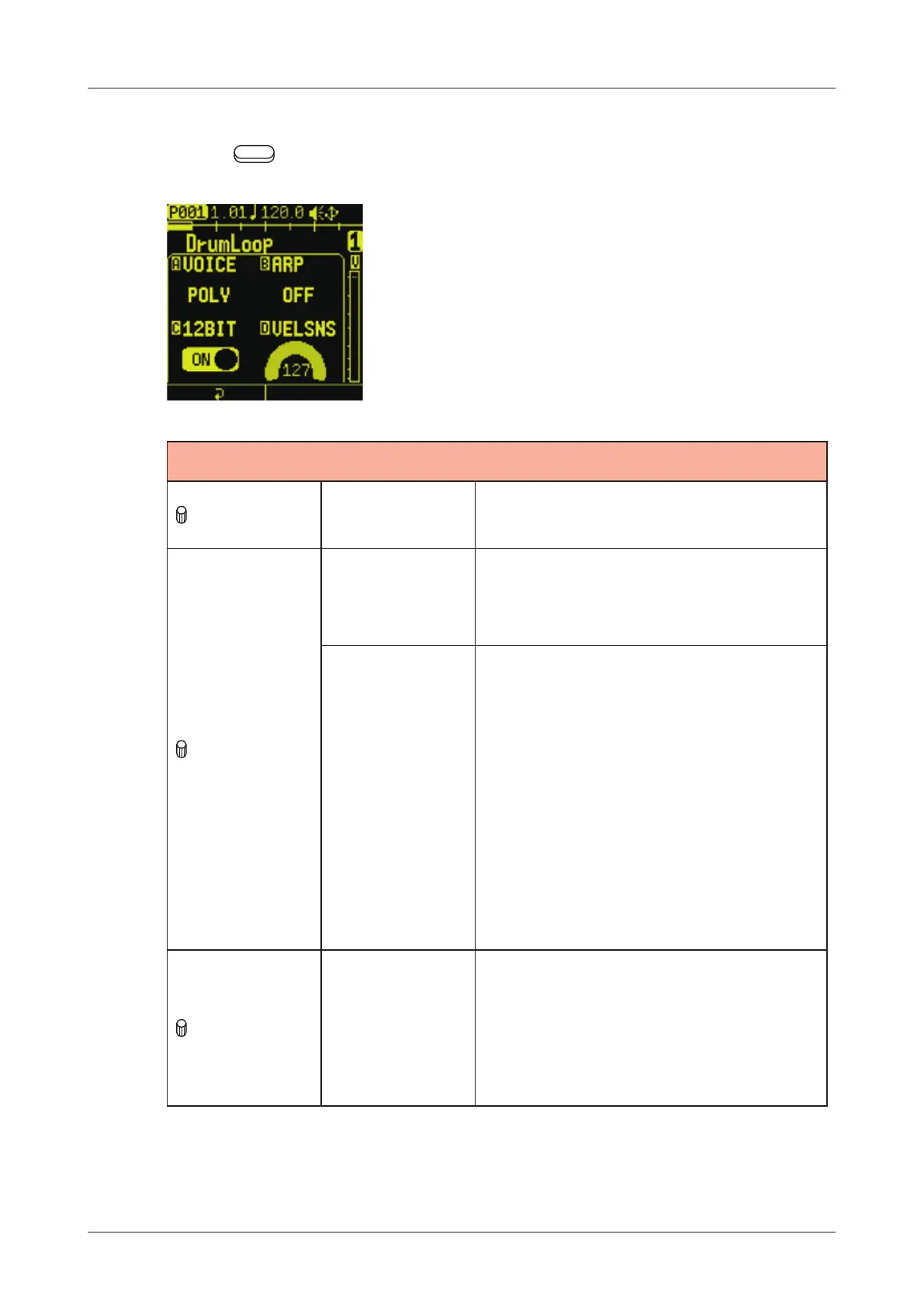
SOUND page
Editing the track voice mode
Press the Auxiliary left button VOICE on the SOUND page.
VOICE
A knob VOICE
MONO,POLY,SLICE:
This selects the voice mode.
B knob
GLIDE
(when VOICE
is MONO)
0 - 127:
This adjusts GLIDE.
ARP
(when VOICE
is POLY)
O F F:
An arpeggiator will not be used
for playback
UP, DOWN, UPDOWN,
DOWNUP
UP-DOWN, DOWN-UP,
RANDOM, UP1OCT, UP2OCT,
DOWN1OCT, DOWN2OCT,
O R D E R:
C knob 12BI T
ON, OFF:
This turns 12-bit sampler mode
on/o. When on, the bit rate will
be dropped to 12-bit, re-creating
the sound of old samplers.
65



 To Next Page