SOUND page
Slicing samples (Automatic slicing)
1
On the VOICE page, turn the A knob to select SLICE.
2
Press the Auxiliary right button SLICE.
3
Press the
Auxiliary left button TO AUTO on the CHOP/
SLICE Screen.
4
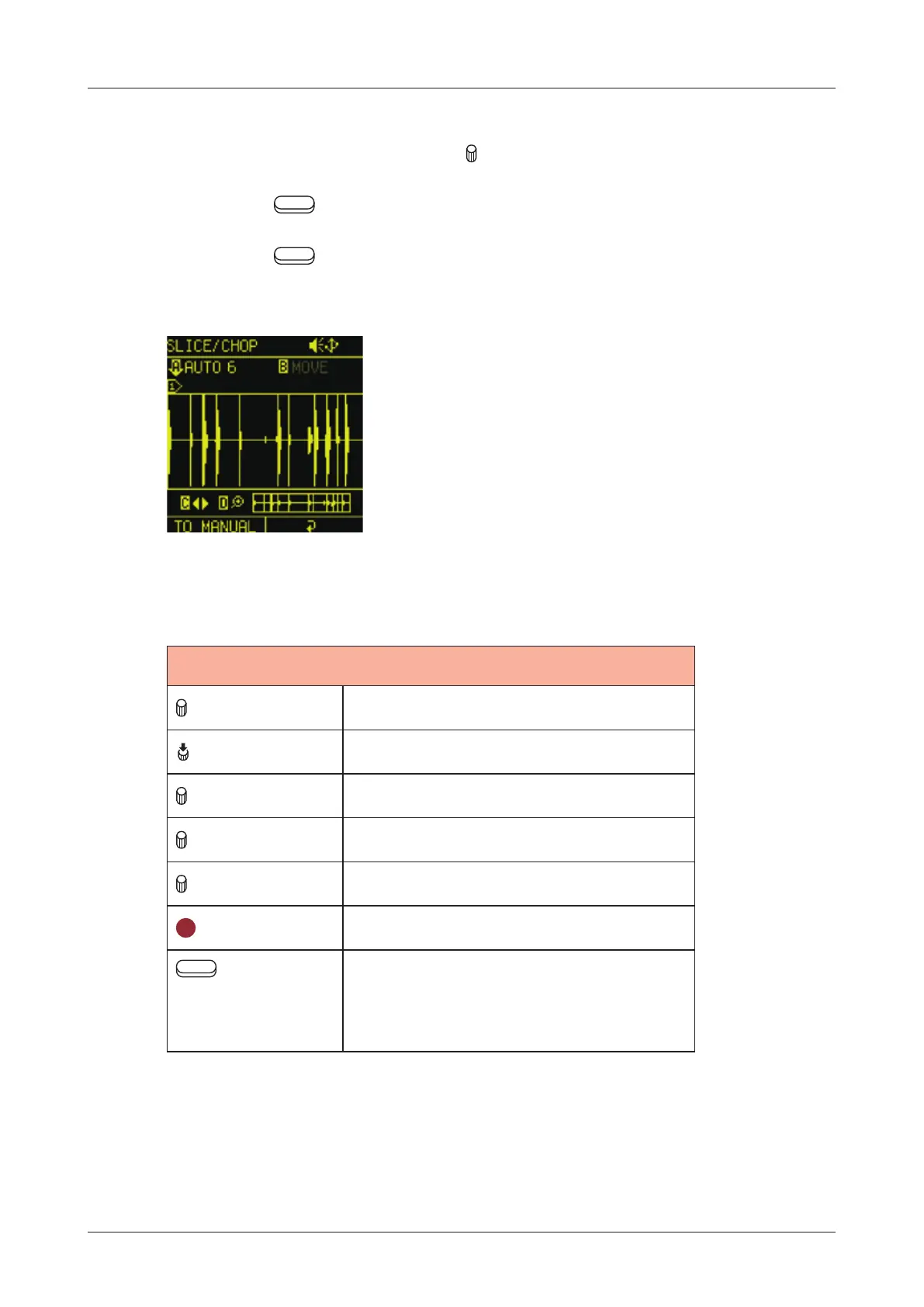
Use the following to create slices.
CHOP/SLICE
A knob Adjust sensitivity
A (Push) Execute automatic slicing
B knob Move slice point
C knob Move waveform display
D knob Zoom waveform display in/out
CLR
Clear slice point
Auxiliary
left button TO
MANUAL
Switch to manual slice mode
71



 To Next Page