SOUND page
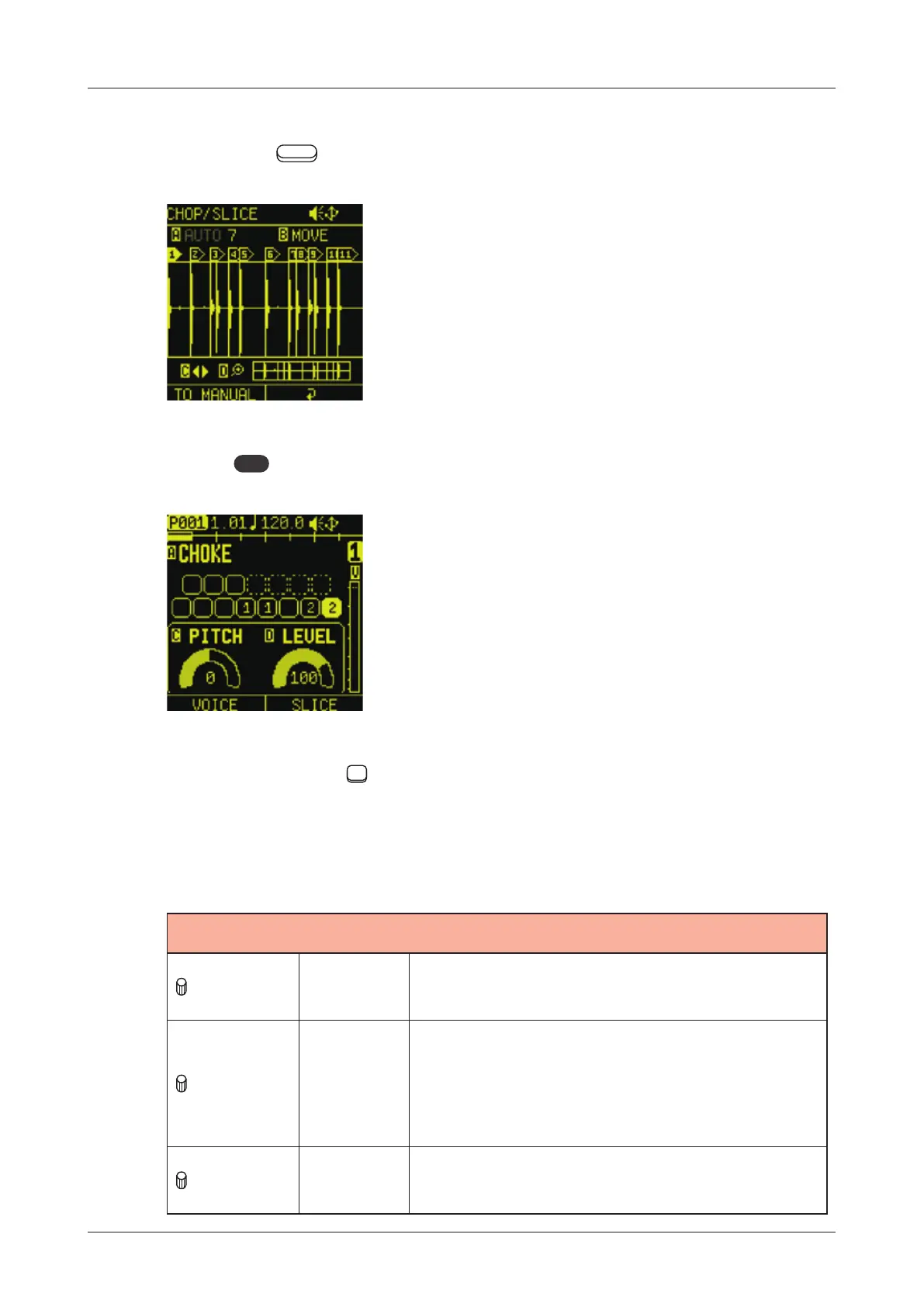
Adjusting slice parameters
1
Press the Auxiliary right button on the CHOP/ SLICE Screen.
2
Press
PAD
to enable PAD mode.
3
Press one of the
15 PADs to which slices are assigned to
select it for editing.
4
Use the following to edit slices.
CHOP/SLICE
A knob CHOKE
NONE, 1 - 4:
This sets the choke group for the slice.
C knob PITCH
-1200 - 1200:
This sets the pitch for the slice.Turning
it while pushing it in allows adjustment
in semitone.
D knob LEVEL
0 - 127:
This sets the volume for the slice.
72



 To Next Page