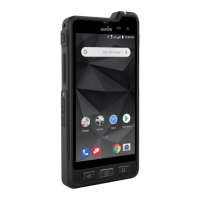
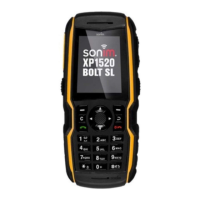
Quick Start Guide – XP5s 7/18/2018
Page 15 of 17
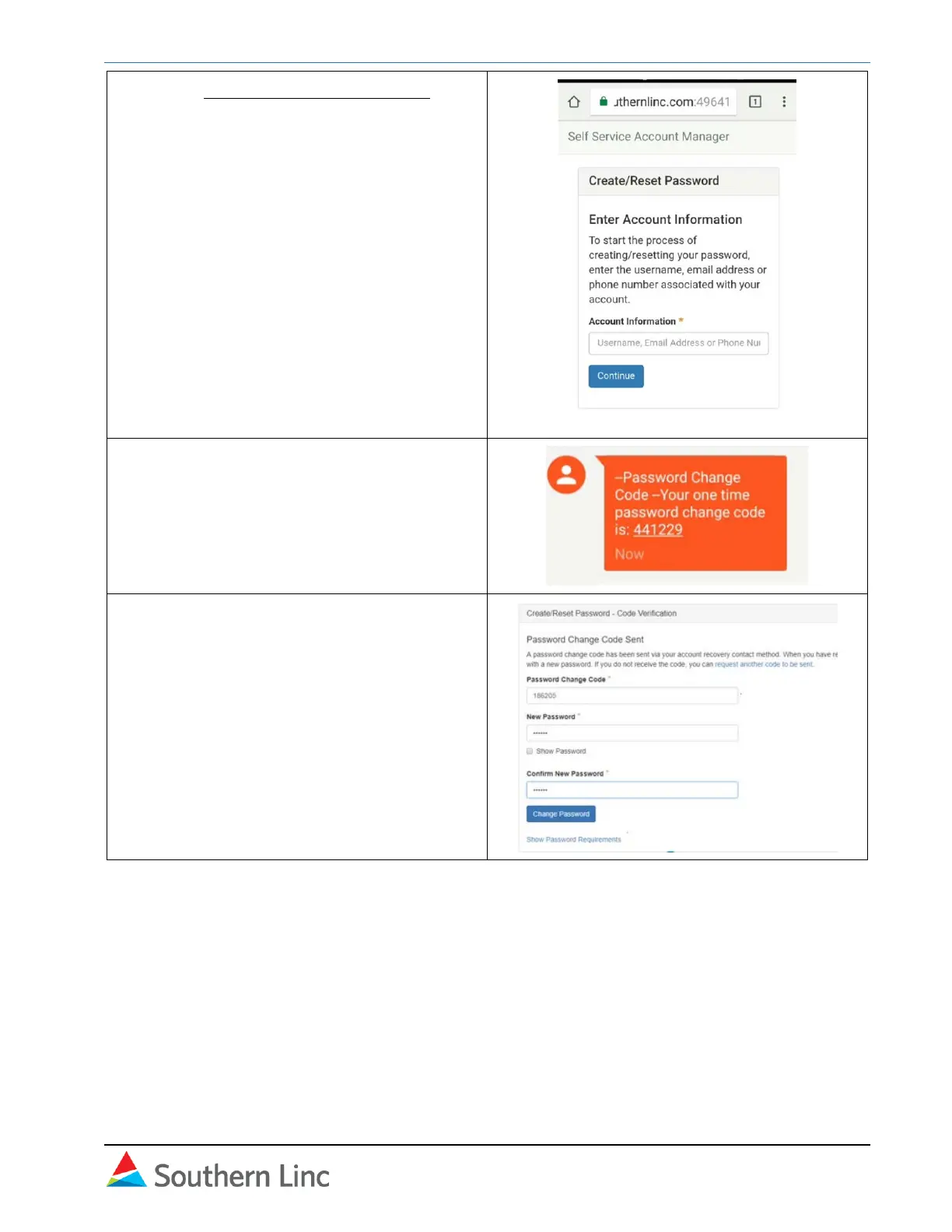
1. Go to pttpasscode.southernlinc.com on
your device or another one. Enter your 10-
digit phone number without dashes, and
select Continue.
2. You will receive a text message with a
one-time password change code. Write
down the code.
3. Return to the website. Enter the code,
then enter and confirm the new password.
Select Change Password to confirm.



 To Next Page