Quick Start Guide – XP5s 7/18/2018
Page 16 of 17
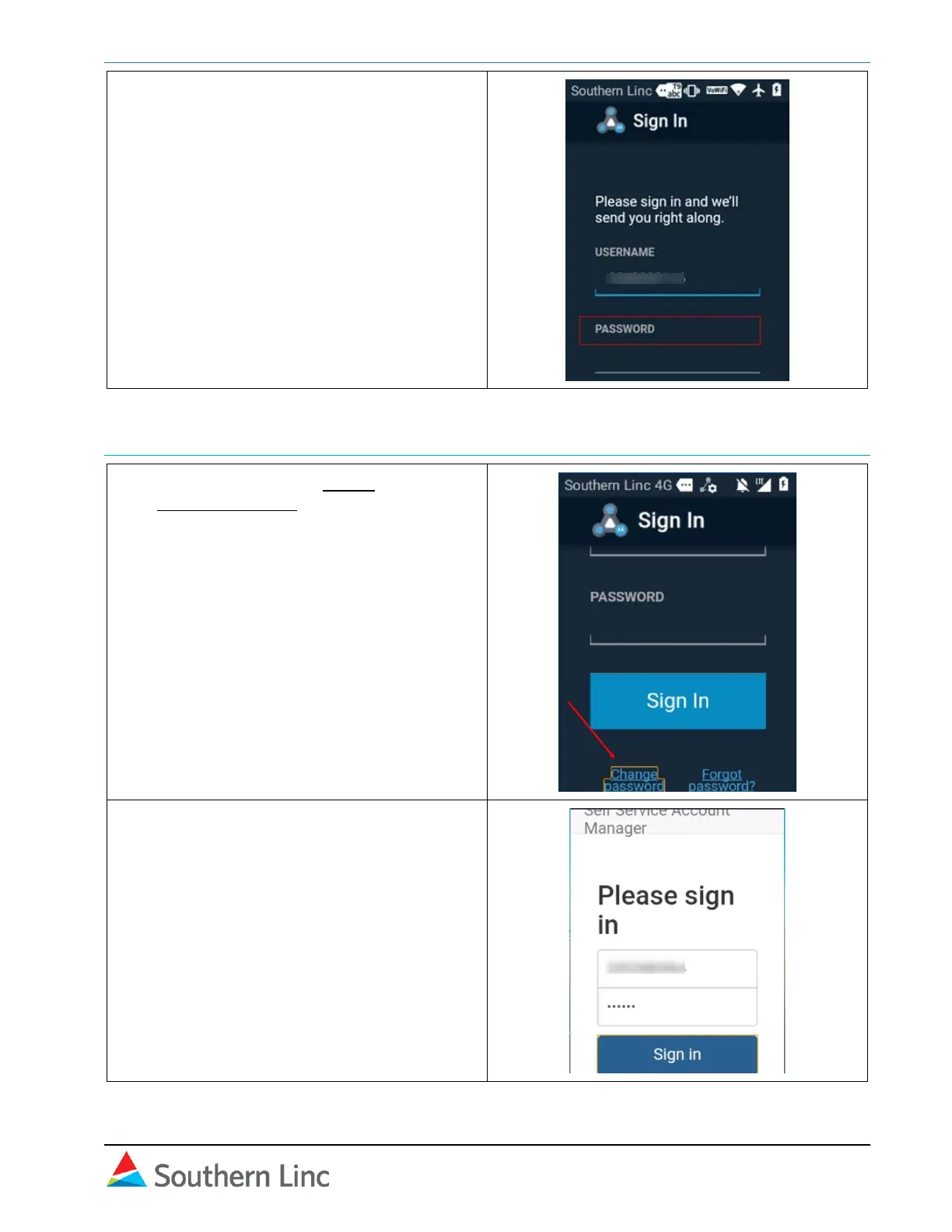
4. Open Cockpit and sign in with the new
password.
Change password in Cockpit
1. Open Cockpit. Select Sign in and then
Change Password.
2. On the next screen, sign in with your 10-
digit phone number and current password.
Use # key to toggle text mode to number.



 To Next Page