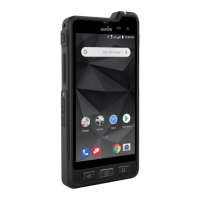
Quick Start Guide – XP5s 7/18/2018
Page 17 of 17
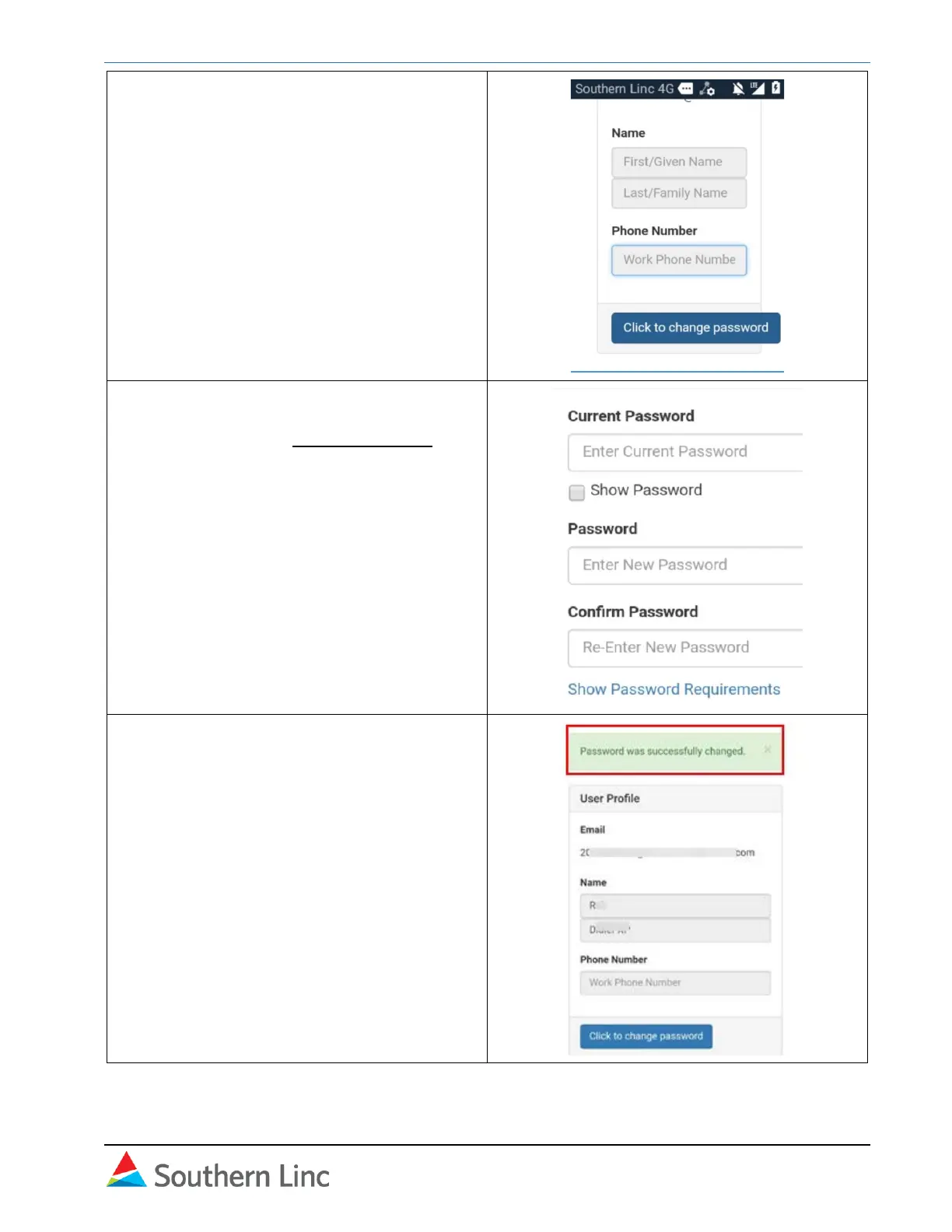
3. Verify account information (if available)
and select Click to change password.
Note:
The name and phone number are not
required.
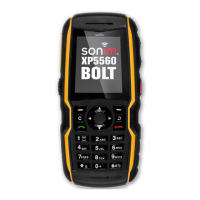
4. In Change Password screen, enter current
password then create and confirm a new
password. Select Change Password.
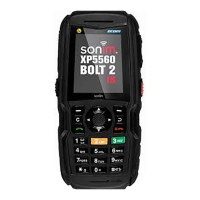
5. A notification verifies the password was
changed. Return to Cockpit and sign in
with the new password.



 To Previous Page