Quick Start Guide – XP5s 7/18/2018
Page 5 of 17
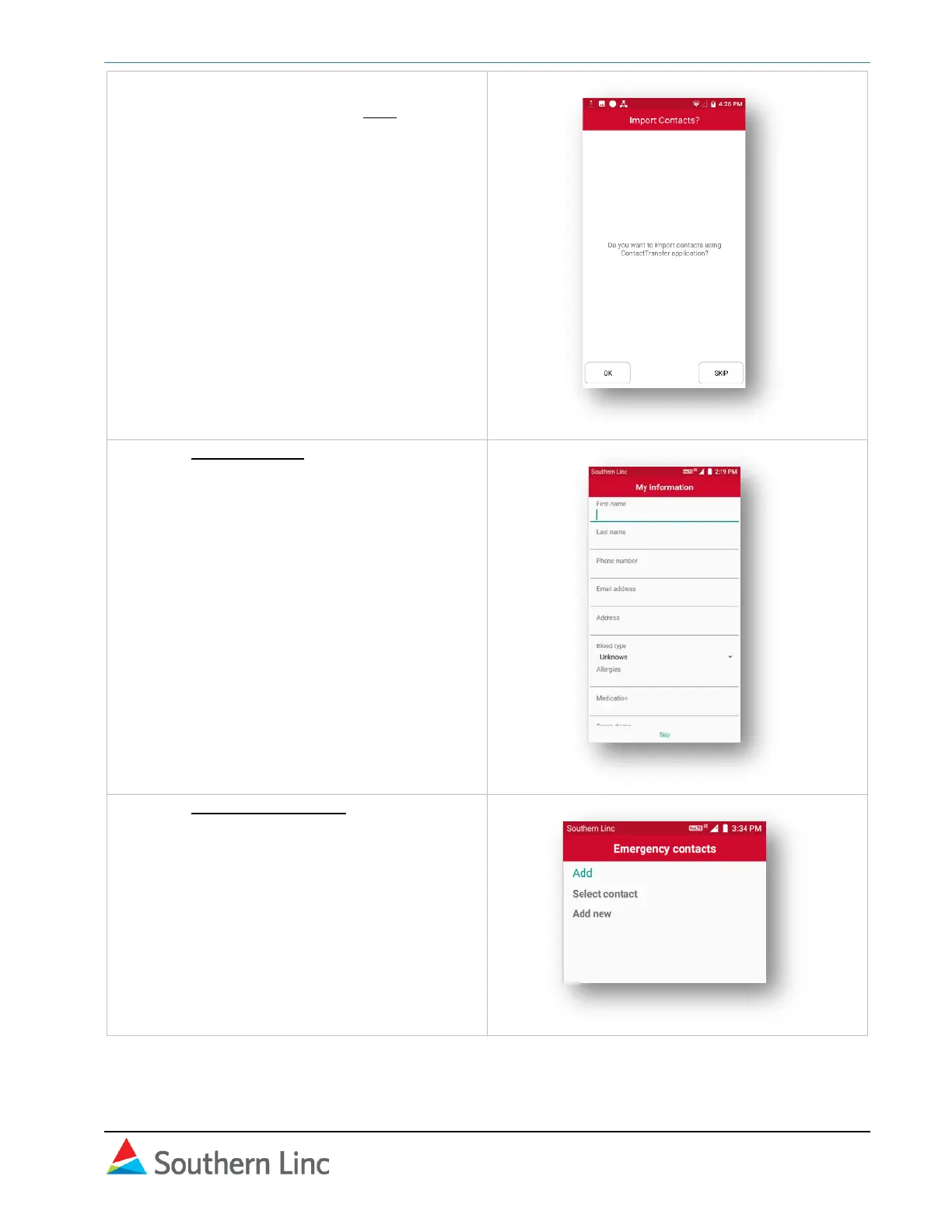
3. If you are transferring personal contacts,
select OK. Otherwise, select Skip.
Note:
See separate Contact Transfer instructions for
preparing and uploading the contact list.
4. In the My Information screen, enter your
personal information.
The XP5s uses the keypad to enter text and
numbers. Use the # key to toggle between
text, number, and predictive text modes.
Press the appropriate button to select
letters. Use the 0 (zero) button for a space.
Use C button to backspace and delete.
5. In the Emergency contacts screen, either
select an existing contact or add a contact.



 To Next Page