EasyManua.ls Logo

SONIQ HB413 - Troubleshooting; Specifications

SONIQ HB413
8 pages
Print Icon
To Next Page IconTo Next Page
To Previous Page IconTo Previous Page
Loading...
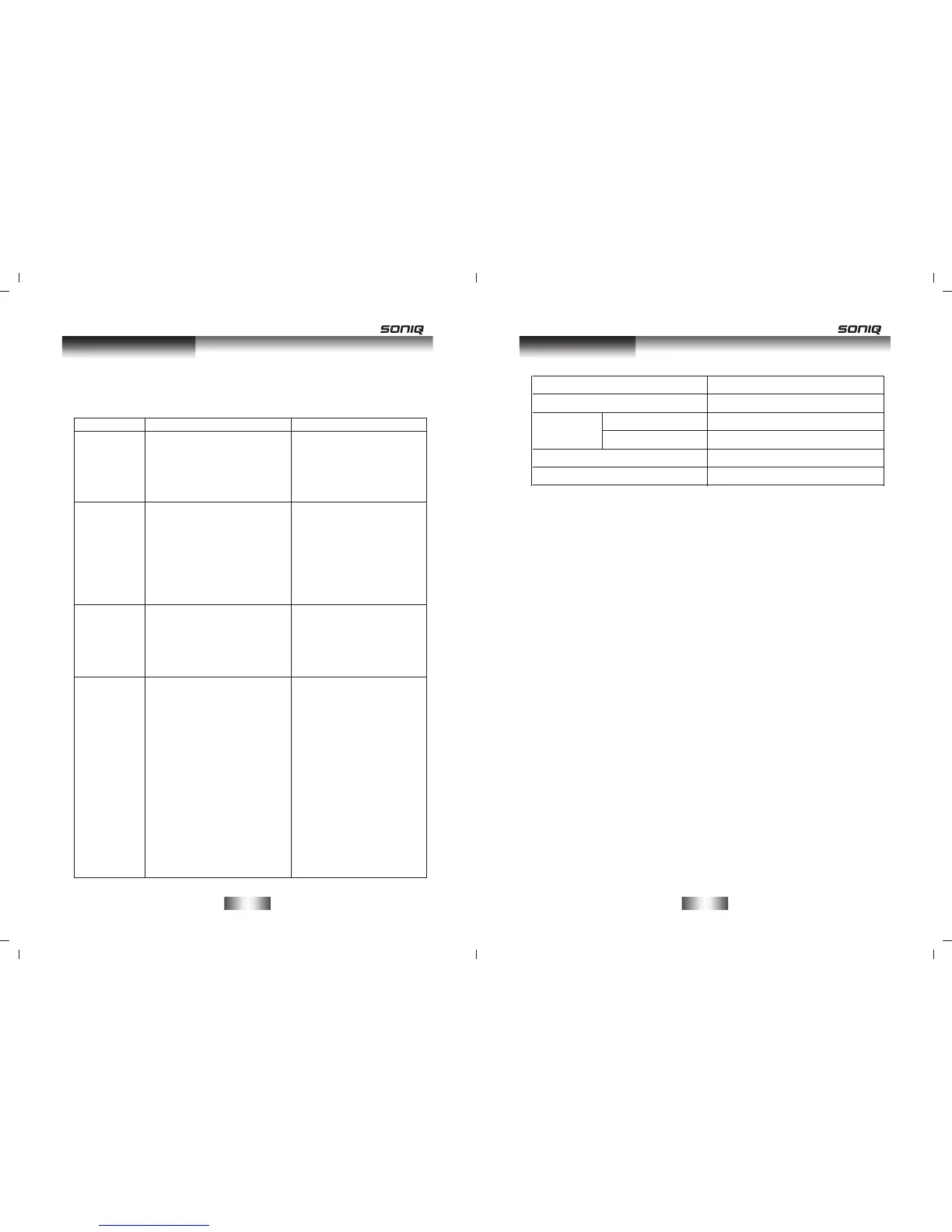
Power supply
Power supply
Working
environment
Power output (Max)
Frequency response
Temperature
Relative humidity
DC ~18V,3.6A
AC ~100-240V,50/60Hz
-10~+35
5%~90%
15WX2+25W
±3dB(20Hz~20kHz)
Specifications
-11-
Troubleshooting
-10-
Before resorting to maintenance service, please kindly check
by yourself with the following chart.
Cause(s)Symptom
Remedy
No Power
Sound
There is no
sound or
the sound
is
distorted.
The
buttons
on the unit
doesn't
work.
The remote
control
does not
function.
The DC power cord is
not connected to the
power supply or is not
connected to a power
upply securely.
*
Please check that the
DC power cord is
connected securely.
*
The audio cables aren't
connected securely.
The volume is set to the
minimum level.
The sound is switched
off.
*
*
*
Connect the audio
cables securely.
Turn up the volume.
Press [MUTE] on the
remote control to
switch on the sound.
Press[PLAY/PAUSE].
*
*
*
*
Switch off and unplug
the unit. Then
connect the plug to
the power supply and
switch it on again.
*
The unit is being
interfered with static
electricity etc.
*
There is no battery in the
remote control.
The batteries are out of
charge.
The remote control isn't
pointed to the remote
sensor.
The remote control is
out of its operating area.
The unit is shut down.
*
*
*
*
*
Install two AAA/1.5V
batteries in it.
Replace the batteries
with new ones.
Make sure that the
remote control is
pointed to the remote
control sensor.
Make sure the remote
control is within the
operating area.
Switch off the unit
and connect it from
the DC outlet. Then
power on the unit
again.
*
*
*
*
*

Related product manuals