Need help?
Do you have a question about the Sonnet M.2 4x4 PCIe Card and is the answer not in the manual?
System requirements for Mac computers, including specific models and macOS versions.
System requirements for Windows computers, including PCIe slot and OS version.
System requirements for Linux computers, including PCIe slot and kernel version.
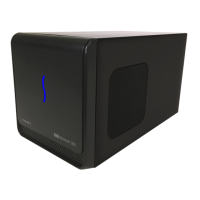
Compatibility with Thunderbolt-to-PCIe card expansion systems for Mac and Windows.
Information on supported M.2 SSD types and a link to a compatibility list.
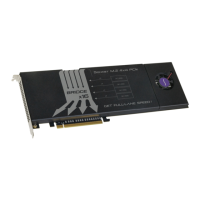
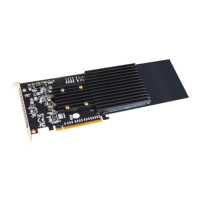
Details on the Sonnet M.2 4x4 PCIe Card's components, including SSD sockets and heatsink.
Procedure for installing the Sonnet M.2 PCIe card into a computer.
Instructions for formatting SSDs on macOS, Windows, and Linux operating systems.
Details on RAID configurations supported for macOS and Windows.
Information on booting from attached SSDs, including specific OS requirements.
Guidance on how and what information to provide when contacting customer support.
Instructions to visit the Sonnet website for the latest information and product registration.

 To Next Page
 General