Need help?
Do you have a question about the Sonnet M.2 and is the answer not in the manual?
Lists compatible Mac and PC computer models for installation.
Specifies supported macOS and Windows operating systems.
Points to the Sonnet website for a list of compatible SSDs.
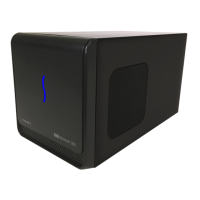
Details compatibility with Thunderbolt-to-PCIe expansion systems.
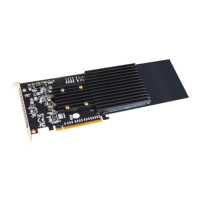
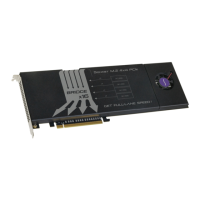
Explains support for four single-sided M.2 2280 NVMe PCIe SSDs.
Describes the temperature-controlled fan for quiet operation.
Details the heatsink with thermal pad to conduct heat away from SSDs.
Explains the cover directs airflow for proper cooling and prevents throttling.
Instructions for handling the card and removing cover/heatsink screws.
Steps for inserting SSDs into sockets and securing them.
Steps for reattaching the heatsink and cover after SSD installation.
Step-by-step guide for installing the Sonnet card into a computer slot.
Instructions for formatting SSDs on macOS and Windows.
Information on RAID 0, concatenated disk sets, and RAID 5 support.
Details on booting from SSDs on macOS and Windows limitations.
Information on how to contact Sonnet customer service for support.

 To Next Page
 General