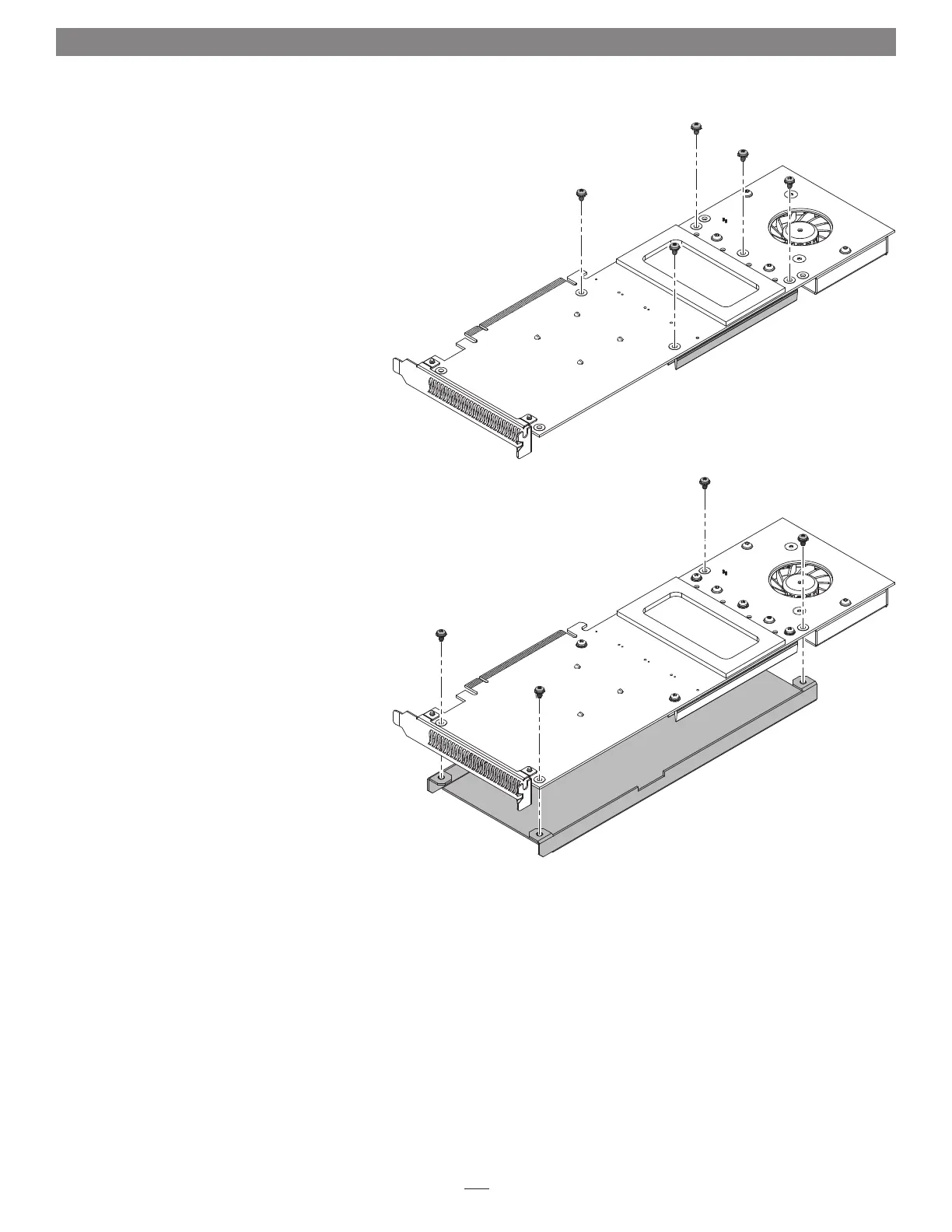
11. Holding the heatsink firmly against the card, flip
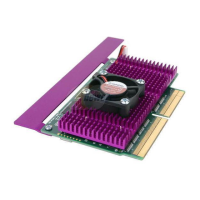
the Sonnet M.2 4x4 PCIe over (Figure 7).
12. Secure the heatsink to the card with five of the
screws you removed previously (Figure 7); do not
overtighten the screws.
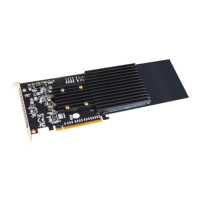
13. Place the card on top of the cover as shown, and
then secure the cover with the four remaining
screws you removed previously (Figure 8); do not
overtighten the screws.
5
SSD Installation Steps
Figure 7
Figure 8


 To Next Page