Sca n QR code
GSM dev ices an d devic es with Q R co
de can be a dded in t his mod e.
Sou nd Pair ing
Add dev ice in th is mode i f your
devic e s uppor t this fe ature .
Quick Pairing
WIFI device s can b e added in this mo
de(make sur e the d evice is in pairing
mode).
Add D evice
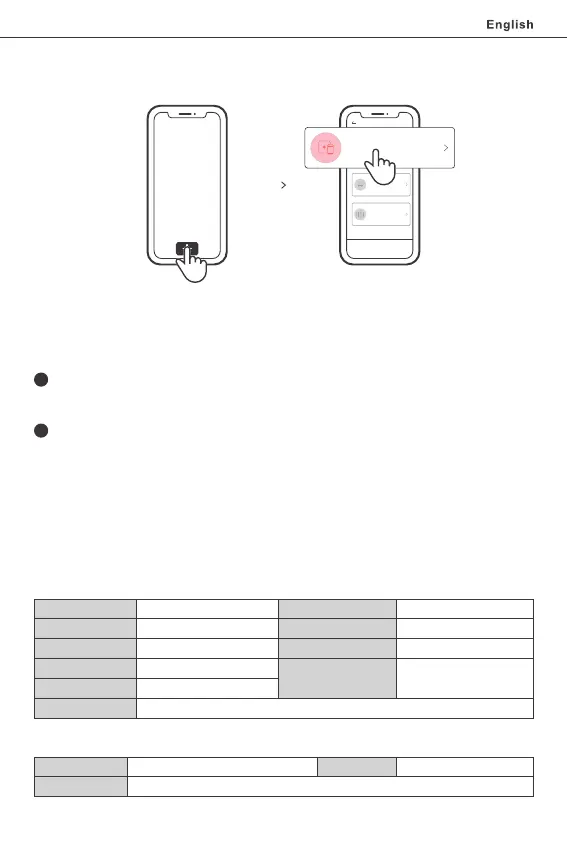
7. Tap “+” and select “Quick Pairing”, then operate following the prompt on
the app.
1
2
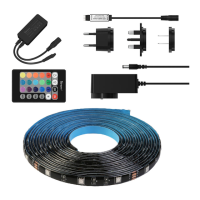
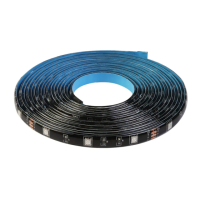
Model: L1-2M/L1-5M/L1 Lite-5M-EU/L1 Lite-5M-US
LED Light Strips
Input Voltage
DC 12V
LED QTY
30LEDs/m
Luminous Flux
≥300lumens/m
Life Expectancy
> 25000 hours
Beam Angle
Operating Temperature
-15°C ~ 50°C
Working Humidity
≤95%
Material
FPCB
Light Decay
Less than 3% after 1000 hours constant work
Power Adapter
Input
100-240V AC 50/60Hz 0.6A Max
Protection
Anti-overvoltage, Anti-overload, Anti-overtemperature
DC 12V 2000mA(24W)
Compatible Pairing Mode
Long press the "on" button on the remote controller for 5s until the device "flashes"
and release. Long press this button for 5s again until the device status changes from
"flashing" to "quick flashing", then the device enters the Compatible Pairing Mode.
Select Wi-Fi SSID with ITEAD-****** and enter the password 12345678, and then go
back to eWeLink APP and tap “Next”. Be patient until pairing completes.
If you fail to enter Quick Pairing Mode (Touch), please try “Compatible Pairing Mode ” to pair.
Tap “+” and select “Compatible Pairing Mode ” on APP.
Specifications
Output
SONOFF TECHNOLOGIES CO., LTD.
7
Protect Range
L1: 140° L1 Lite: 120°
L1: IP65
L1 Lite: IP20


 To Next Page