11
Factory Reset
Deleting the device on the eWeLink app indicates you restore it to factory setting.
Common Problems
Q: Why my device stays “Offline”?
A: The newly added device needs 1 – 2mins to connect Wi-Fi and network. If it stays
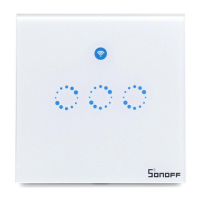
offline for a long time, please judge these problems by the blue Wi-Fi indicator status:
1. The blue Wi-Fi indicator quickly flashes once per second, which means that the switch
failed to connect your Wi-Fi:
① Maybe you have entered a wrong Wi-Fi password.
② Maybe there's too much distance between the switch your router or the environment
causes interference, consider getting close to the router. If failed, please add it again.
③ the 5G Wi-Fi network is not supported and only supports the 2.4GHz wireless
network.
④ Maybe the MAC address filtering is open. Please turn it off.
If none of the above methods solved the problem, you can open the mobile data
network on your phone to create a Wi-Fi hotspot, then add the device again.
2. Blue indicator quickly flashes twice per second, which means your device has
connected to Wi-Fi but failed to connect to the server.
Ensure steady enough network. If double flash occurs frequently, which means you
access an unsteady network, not a product problem. If the network is normal, try to turn
off the power to restart the switch.


 To Next Page