6
3. Download APP
4. Power on
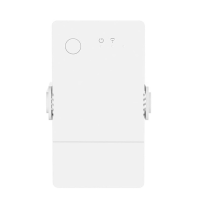
After powering on, the device will enter the quick pairing mode (Touch) during the first
use. The Wi-Fi LED indicator changes in a cycle of two short and one long flash and
release.
The device will exit the quick pairing mode (Touch) if not paired within 3mins. If you
want to enter this mode, please long press the manual button for about 5s until the Wi-
Fi LED indicator changes in a cycle of two short and one long flash and release.


 To Next Page