O
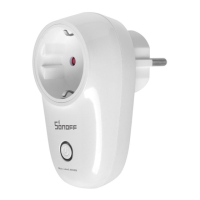
Plug S26 into power socket, power it
up. The green WiFi LED will blink.
O
C)
O
O
O
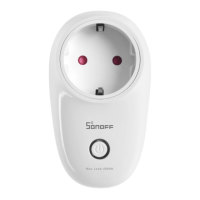
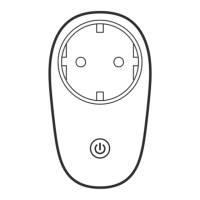
On/Off LED/ WiFi LED
Solid red or blue .
The socket is turned on.
Flashing green rapidly:
SoftAP to be paired.
Solid green:
Online to be controlled.
Pairing button/ Manual switch
Press to turn ON or OFF.
Press and hold for 7 seconds
for SoftAP to be paired.
Press and hold the button for
7 seconds until the green LED
blinks rapidly.
on EWelink app.
o
O
GSMiQå
6
For Android,
select the 1st one,
click next.
For IOS, select the
pairing method
according to LED
blinking way.



 To Next Page