O
Input your WiFi SSID & password.
O
Name your device to complete.
When the WiFi LED is on , the device
is online. Start to control now!
Q: My device on the app stays "Offline" ?
A: The new added device needs 1-2min to connect
to WiFi and the Internet. If it stays offline for a
long time, please judge the problem by the green
LED status:
Green led quickly blinks one time every second:
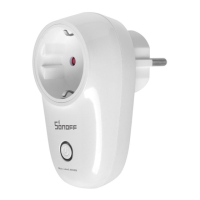
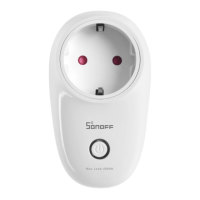
S26 failed to connect to WiFi:
OMaybe you have entered wrong WiFi password.
@The S26 is too far away from the router, which
causes a weak WiFi signal. Please take it closer.
If still failed, try to delete and add again.
Green led quickly blinks twice every second:
S26 has connected to WiFi but failed to connect
to server. Please check your network connectivity.
Scan the right QR code to read the pairing
instructions for Amazon Echo and Google Nest.
eWeLinl<C
Scan to download
EWeIink free APP
Scan to read the
detailed user guide



 To Previous Page