Shenzhen Sonoff Technologies Co., Ltd.
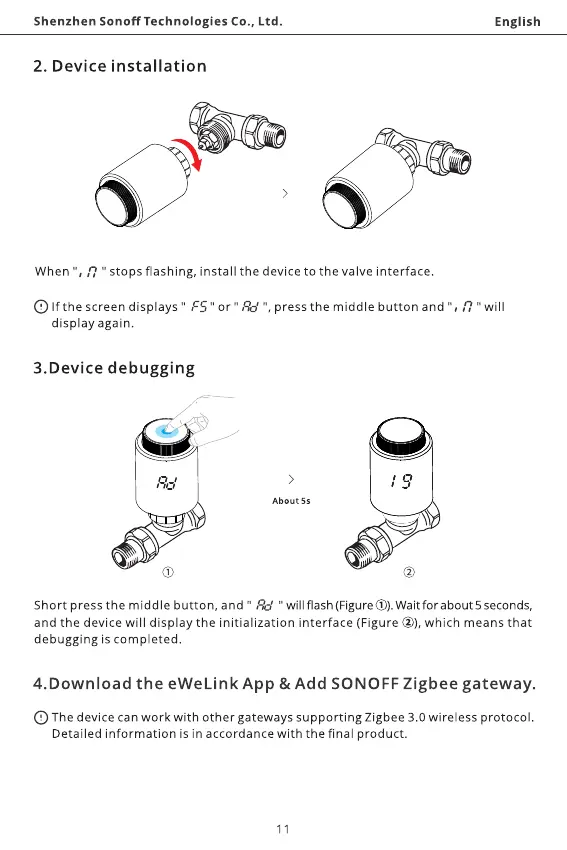
2. Device installation
When 17" Stops flashing, install the device to the valve interface.
English
C) If the screen displays " FS " or " Rd ", pressthe middle button and 17" will
display again.
3.Device debugging
Rd
(j)
About 5s
Short press the middle button, and " Rd " will flash (Figure@).Waitforabout5seconds,
and the device will display the initialization interface (Figure @), which means that
debugging is completed.
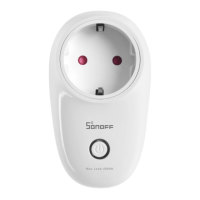
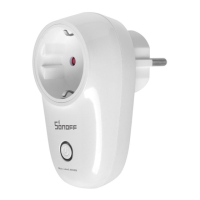
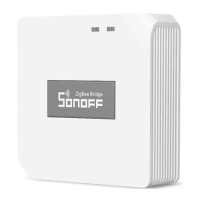
4.Download the eWeLink App & Add SONOFF Zigbee gateway.
The device can work with other gateways supporting Zigbee 3.0 wireless protoco
Detailed information is in accordance with the final product.
11



 To Next Page