EasyManua.ls Logo

Sonoro MEISTERSTUCK SO-610 - User Manual

Sonoro MEISTERSTUCK SO-610
56 pages
Print Icon
To Next Page IconTo Next Page
Loading...
64 © sonoro audio GmbH 2019
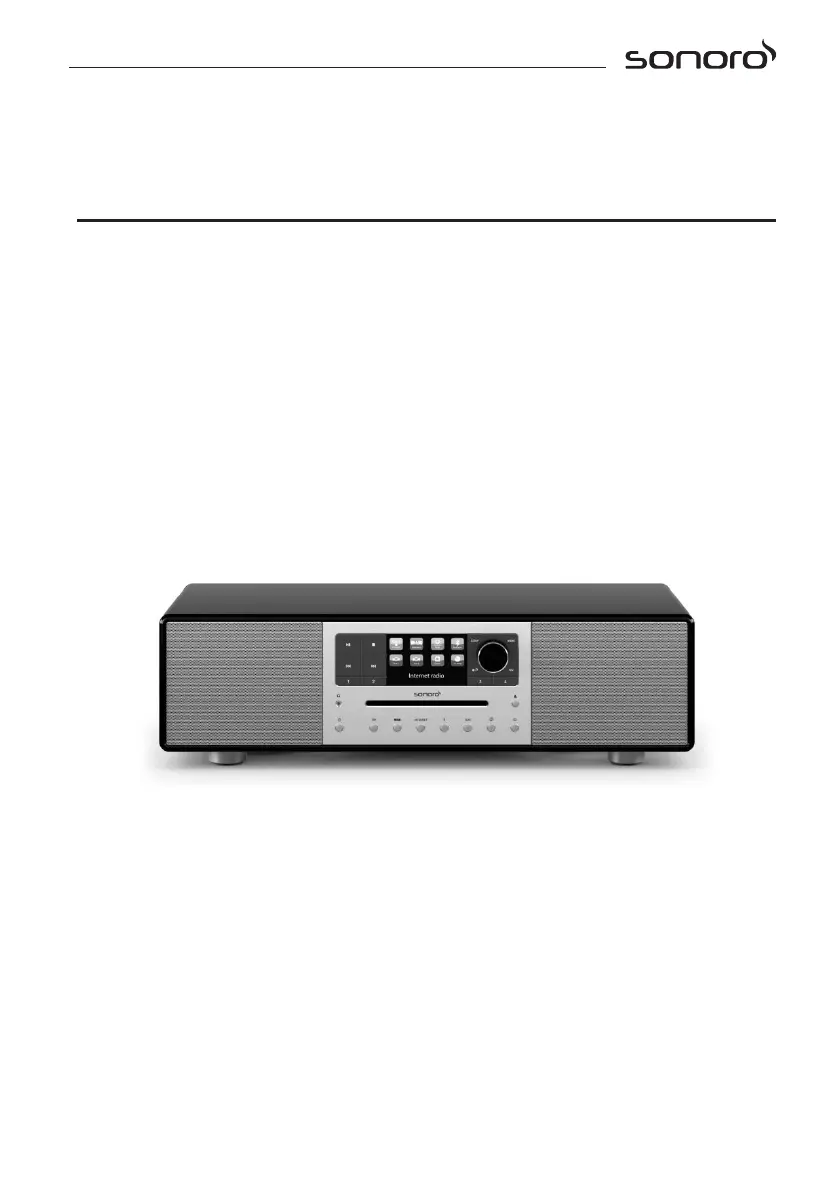
MEISTERSTÜCK (SO-610)
2.1 stereo music system
Operating manual

Questions and Answers

  • D
    danielle87Aug 3, 2025
    Why is my Sonoro Stereo System MEISTERSTÜCK remote control not working?
    • M
      mitchelltammyAug 3, 2025
      The remote control might not be working due to several reasons: the distance to MEISTERSTÜCK is too large (reduce the distance); the battery is empty (replace the battery); the sound is turned off (adjust the volume); MEISTERSTÜCK is not set to the correct playback mode (select another playback mode); a headset is plugged in (pull the headset out of the jack); FM/DAB or Internet reception is poor (extend/adjust the FM/DAB antenna or check the Wi-Fi connection); or there is radio interference (keep MEISTERSTÜCK away from other electronic devices).
  • B
    Bridget MendozaAug 10, 2025
    What to do if my Sonoro Stereo System MEISTERSTÜCK is not responding?
    • E
      Erik HarrisAug 11, 2025
      If your MEISTERSTÜCK is not responding, it may have encountered an error. Disconnect the power plug, reconnect it, and then turn the MEISTERSTÜCK on again.
  • T
    Terri RossAug 18, 2025
    How to fix insufficient Wi-Fi signal strength on my Sonoro Stereo System?
    • A
      April PorterAug 19, 2025
      If you're experiencing insufficient Wi-Fi signal strength, the router might be too far away or blocked. Try placing your MEISTERSTÜCK closer to the router or adjusting the position of the Wi-Fi antenna.
  • K
    Kimberly MillerAug 26, 2025
    What to do if my Sonoro Stereo System has no power?
    • M
      Mr. Christopher KellyAug 26, 2025
      If your device has no power, it might be because the power cable is not properly connected. Ensure the power cable is correctly and securely connected.

Summary

Getting to know your MEISTERSTÜCK

Technical data

Presents detailed specifications and performance metrics of the MEISTERSTÜCK.

Getting started

Performing initial setup

Step-by-step guide for the initial configuration of the MEISTERSTÜCK.

Basic operation

FM Radio mode

Operation (FM Radio)

Instructions for operating the FM Radio mode.

Setup menu (FM Radio)

Configuration options available within the FM Radio mode.

DAB Radio mode

Operation (DAB Radio)

Instructions for operating the DAB Radio mode.

Setup menu (DAB Radio)

Configuration options available within the DAB Radio mode.

Internet Radio mode

Operation (Internet Radio)

Instructions for operating the Internet Radio mode.

Setup menu (Internet Radio)

Configuration options within the Internet Radio mode.

Streaming services

Operation (Streaming Services)

Procedures for selecting and controlling streaming services.

Setup menu (Streaming Services)

Configuration options for music streaming services.

My Music mode

Bluetooth mode

Pairing (Bluetooth)

Steps to connect Bluetooth devices to the MEISTERSTÜCK.

Operation (Bluetooth)

Instructions for using Bluetooth audio playback.

AUX In 1 mode

AUX In 2 mode

Optical mode

CD mode

Operation (CD Mode)

Instructions for playing audio CDs.

System Settings

Using UNDOK app to control MEISTERSTÜCK

Troubleshooting

Sonoro MEISTERSTUCK SO-610 Specifications

General IconGeneral
BrandSonoro
ModelMEISTERSTUCK SO-610
CategoryStereo System
LanguageEnglish

Related product manuals