Sonos Controller Setup Guide 3
Connecting Your Controller
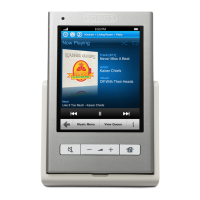
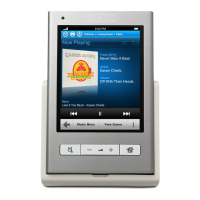
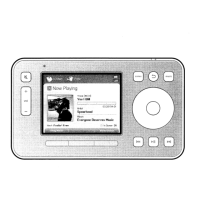
• After at least one ZonePlayer has been set up, follow the instructions on the Con-
troller screen to associate this Controller to your Sonos Digital Music System.
• You should charge your new Sonos Controller when you remove it from the
packaging. The Controller battery will be fully charged in about two (2) hours.
You can use your Controller while it is charging.
• The power connector cover is part of your Controller’s splash-resistant design, so
keep the cover down when the Controller is not charging.
Caution: Use only the supplied power adapter to charge the Controller’s battery.
Using another adapter will damage your Controller and void your product warranty.
AC power
adapter
AC power
adapter
inlet
Power
cable
Power
connector



 To Next Page