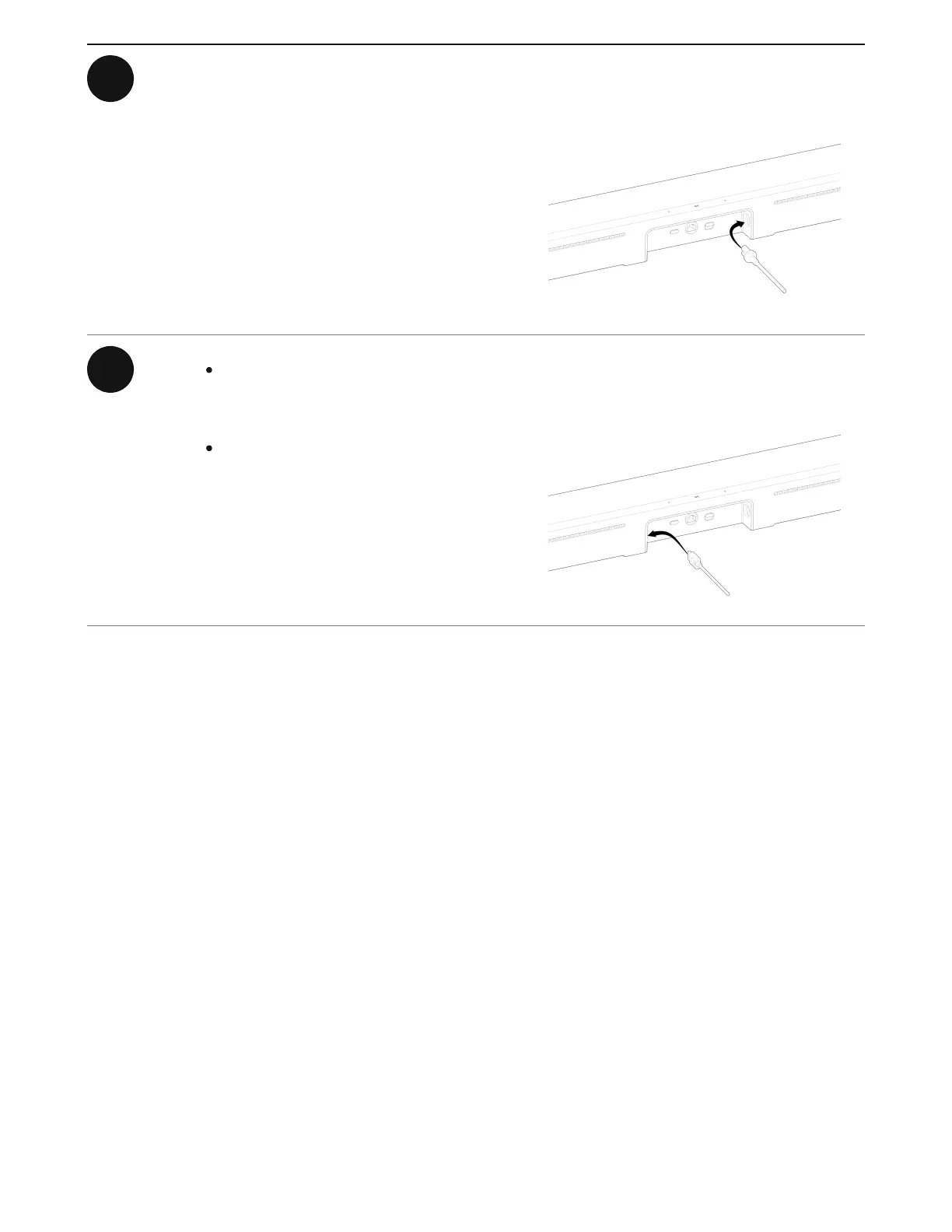
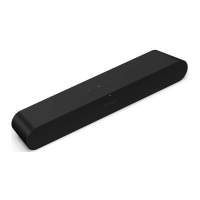
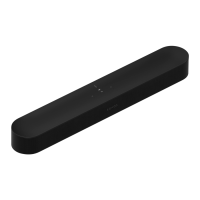
1 Connect the power cable to Arc Ultra
and plug it in to power.
Note: Use only the included power
cable (using a third-party power cord
will void your warranty).
2 Connect the HDMI cable
(included) to Arc Ultra.
If you're using an Ethernet cable,
connect that to Arc Ultra too.



 To Next Page