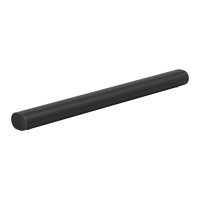
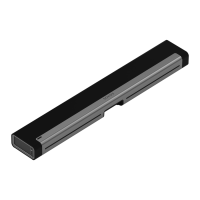
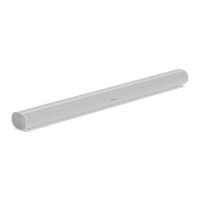
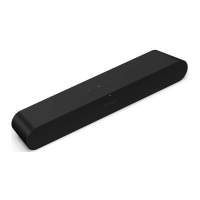
5 Connect the power and HDMI cables
to the back of the soundbar.
Note: If you’re connecting the cables
to the TV at this time, be sure to plug
the HDMI cable into the HDMI ARC or
eARC port on your TV.
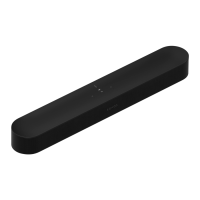
6 Slide the soundbar down so the
knobs fit into the slots on the wall
bracket. Make sure the touch controls
are facing up and the soundbar is fully
seated.
Home theater
Start with Arc Ultra and expand your system over time with Sonos speakers that easily
connect over WiFi.
Use the Sonos app to configure your home theater and set up helpful features.
1. Place your compatible Sonos products around your room.
2. Set up your Sonos products in the Sonos app (if you haven't already).
3. Go to System Settings and select your Arc Ultra.
4. Select + Connect Sub or + Set up Surrounds to get started.
Home theater settings
Use the Sonos app to adjust home theater settings:
1. Go to System Settings .
2. Select the room.
3. Navigate to Home Theater to get started.



 To Next Page
 Loading...