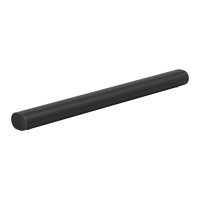
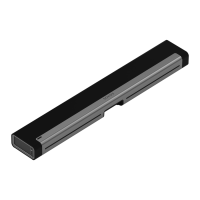
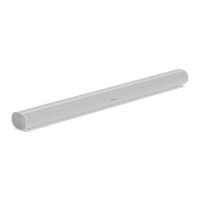
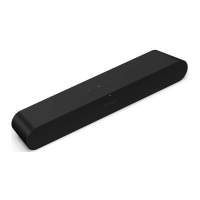
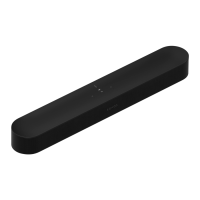
5 AC power (mains) input Use only the included power cable
(using a third-party power cord will
void your warranty).
Note: Insert the power cord firmly
until it is flush with the speaker.
Placement
Here are some recommendations to get the most out of your Sonos Arc Ultra soundbar:
Connect the cables
When your soundbar is securely where you want it, use the included cables to set up your Arc
Ultra.
Before you start:
Place Arc Ultra on a stable, horizontal surface. Don't place it vertically or on its side.
Don’t enclose Arc Ultra in a cabinet or in a corner.
Make sure the controls are facing up.
For best sound quality, place Arc Ultra in front of and below your TV. Alternatively, you
can mount it above your TV.
If placing Arc Ultra below your TV, keep 4 in (10 cm) of space (minimum) between the top
of the soundbar and the bottom of your TV.
Position the front of Arc Ultra as close to the edge as possible.
Disconnect existing home theater or surround sound equipment from your TV.
Connect any external devices, like a streaming box or DVD player, directly to your TV.
Turn your TV on.



 To Next Page