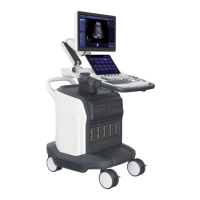
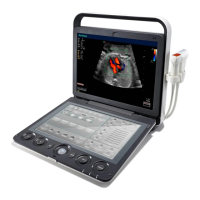
A6T/A6/A5 Portable Ultrasonic Diagnostic System
4701-0040-01A
3-31
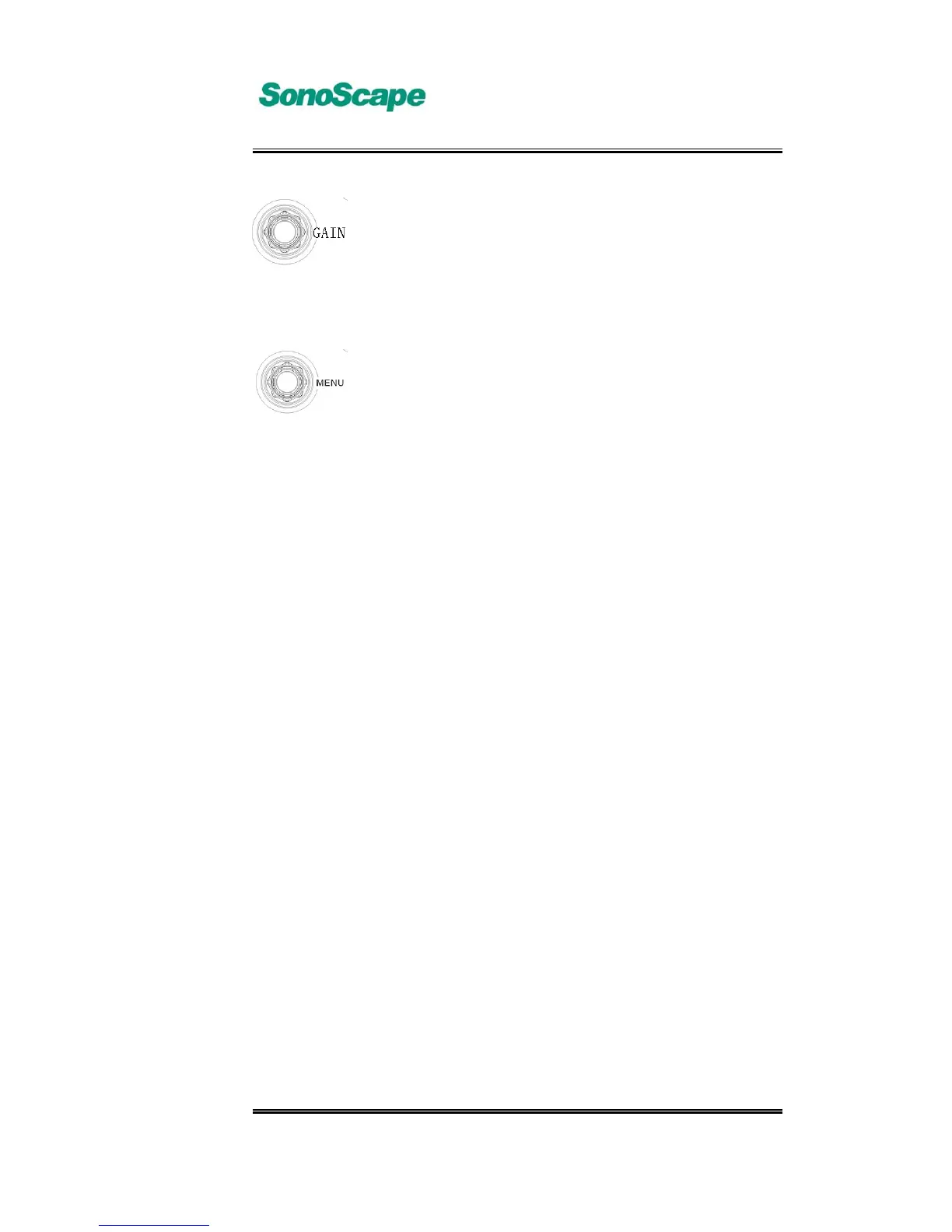
B mode, M mode image gain adjust. Rotate the【GAIN】
knob to perform image gain adjust; in B/M mode, press the
【FUNC】key to switch between B-gain and M-gain. In
freeze mode, adjust the the【FUNC】knob will change the
LCD brightness.
To adjust the selected parameter in the image menu. In live
imaging mode, press the 【MENU】key to activate or exit
mage adjust menu. In the image menu, use the cursor to
select the parameter item, and that item is highlighted.
Rotate the【MENU】knob to adjust that parameter. In exam
mode screen, press the【MENU】key to activate System
Setting menu.



 To Next Page