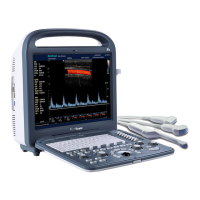
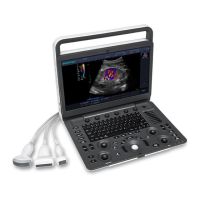
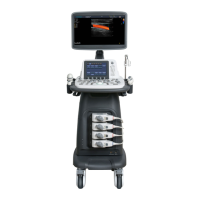
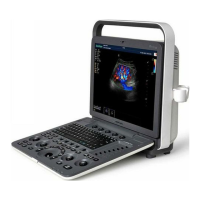
A6T/A6/A5 Portable Ultrasonic Diagnostic System
4701-0040-01A
3-54
3.6.2.2.7 TIBIA measurement
Function: Calculate GA based on TIBIA.
Measurement method:
↓
↓
3.6.2.2.8 ULNA measurement
Function: Calculate GA based on ULNA.
Measurement method:
↓
↓
1. In B mode, scan and freeze the image, press
the【Calc】key to pop up the Meas & Calc menu,
move the trackball, use the cursor to select “OB
Prof”, press the【SET】key to go to the
submenu, move the trackball to select “TIBIA.”,
press the【SET】key to go to “TIBIA.”
measurement mode.
2. Measure TIBIA. See “Distance Measurement”
for the detailed method.
3. TIBIA measurement result is displayed in the
result window, meanwhile based on the preset
formula GA is displayed.
4. Repeat steps 1 to 3 to go to the next TIBIA
measurement.
1. In B mode, scan and freeze the image, press
the【Calc】 key to pop up the Meas & Calc
menu, move the trackball, use the cursor to
select “OB Prof”, press the【SET】key to go to
the submenu, move the trackball to select
“ULNA.”, press the【SET】key to go to “ULNA”
measurement mode.
2. Measure ULNA. See “Distance Measurement”
for the detailed method.
3. ULNA measurement result is displayed in the
result window, meanwhile based on the preset
formula GA is displayed.
4. Repeat steps 1 to 3 to go to the next ULNA
measurement.



 To Next Page