SonTek
ADP Software Manual Version 6.42 (November 1, 2000)
6
the cell size and averaging interval (the number of cells can also affect this value if it affects
pinging rate).
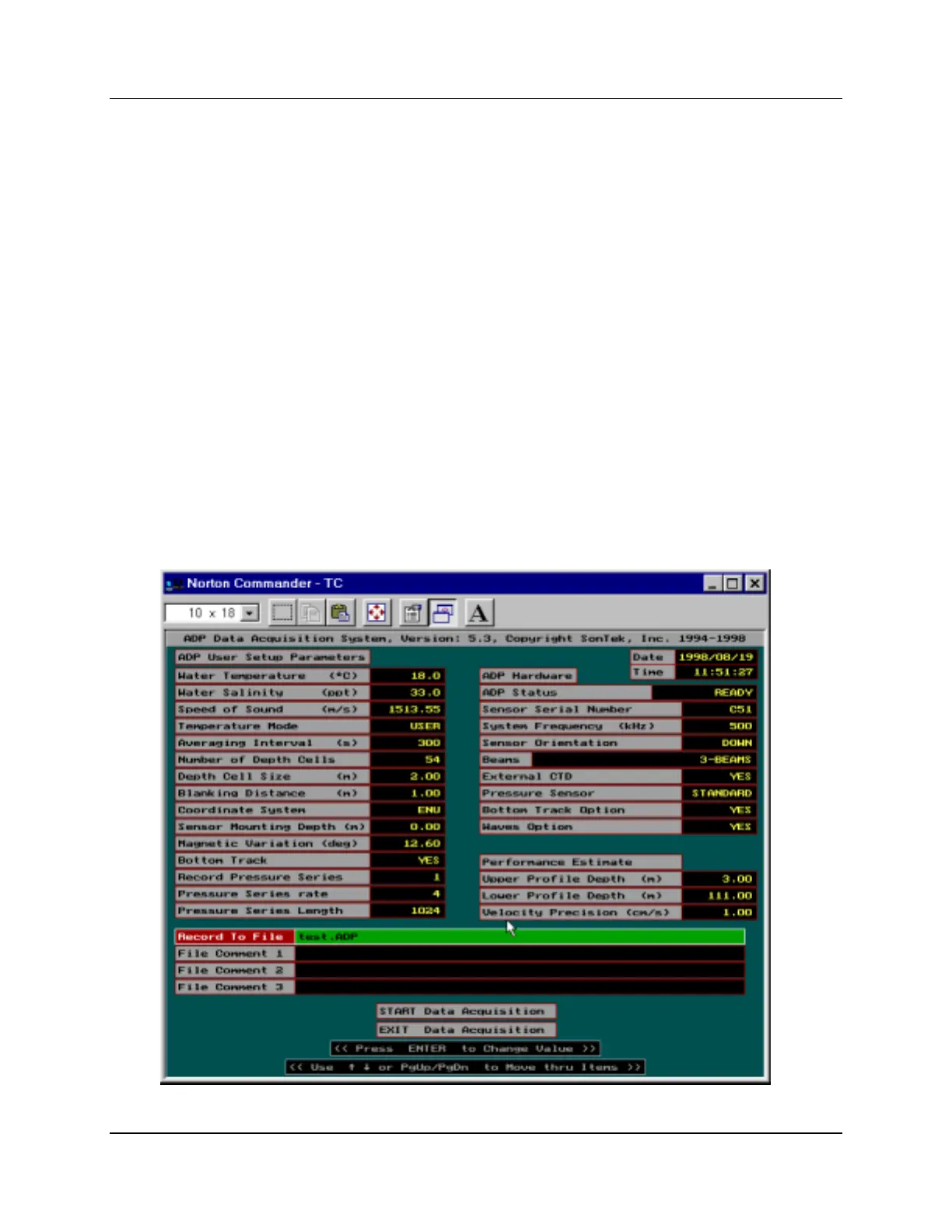
2.3.2. User setup parameters
The left portion of the setup screen displays a number of parameters that can be set by the user
for each deployment. To change these parameters, move through the items using the up/down
arrow keys (or page up/page down). Information about the highlighted parameter is displayed at
the bottom of the screen. The current item (highlighted) is changed or executed by pressing the
ENTER key. After pressing the ENTER key on a highlighted item, the user is prompted to enter a
new value for the parameter, or to choose from a set of acceptable values. If a parameter is
accidentally selected the user may recover by pressing the ESC key, leaving the parameter
unchanged.
A description of each item in the user setup menu is given below.
Water Temperature (°C): (Enter value)
Temperature is required for calculating the speed of sound, which converts Doppler shift to water
velocity. The entered temperature may or may not be applied for sound speed calculations
depending upon the temperature mode setting (see below).
Figure 1 – ADPSA Setup Screen



 To Next Page