5
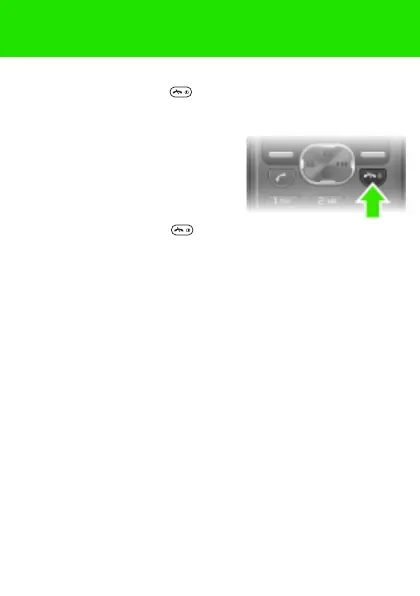
To turn on the phone
1 Press and hold down .
2 Enter your PIN if requested. To correct mistakes, select
Delete.
3 Select OK.
4 Select a language.
5 Enter the time and date and select
Save.
To turn off the phone
• Press and hold down .
Standby
After you have turned on the phone and entered your PIN, the
name of your operator appears on the screen. This is called
standby. You can now make and receive calls.
This is the Internet version of the User guide. © Print only for private use.















 To Next Page