Adjusting the volume
To change the ear speaker or music volume
1
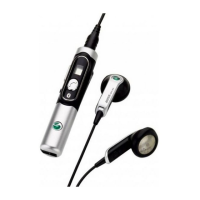
During a call, or when listening to music or the FM radio, swipe your finger along the
touch volume control to enable volume control.
2
Swipe the touch volume control again to adjust the volume.
For repeated volume adjustment hold down your finger at the end of the touch volume control
after a swipe.
11
This is an Internet version of this publication. © Print only for private use.




 To Next Page