This is the Internet version of the user's guide. © Print only for private use.
Getting started 5
Making and receiving calls
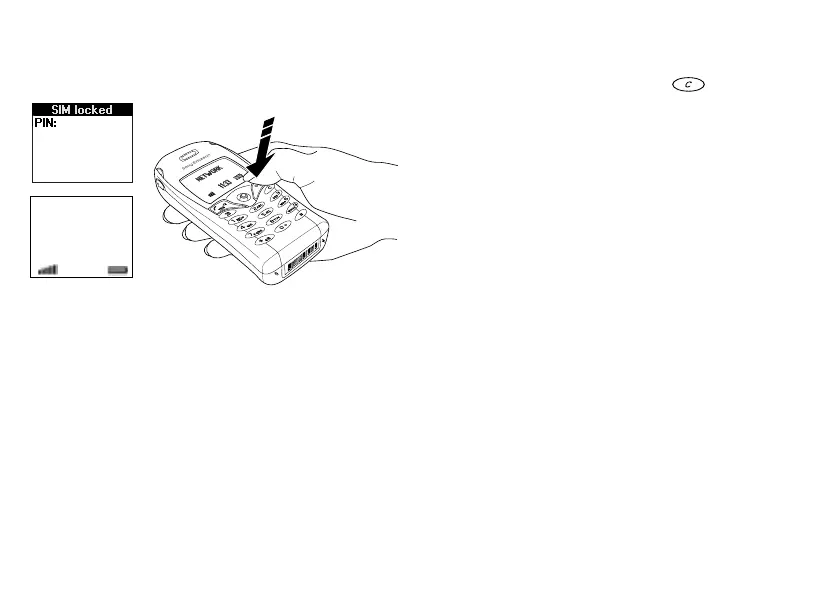
To turn on the phone
• Press and hold
NO
until you hear a tone.
• Enter your PIN (Personal Identity Number), if you
have one for your SIM card.
Your PIN is provided by your network operator.
Note: Not all operators require a PIN to
activate services.
If you make a mistake while entering your PIN,
delete the wrong number by pressing .
If you enter the wrong PIN three times in a row, the
SIM card is blocked and the message PIN blocked
appears. To unblock it, you need to enter your PUK
(Personal Unblocking Key). Your PUK is provided by
your network operator.
To make and receive calls
• Enter the area code and phone number, and press
YES
to make the call.
• Press
NO
to end the call.
• When the phone rings, press
YES
to answer the call.
On/off
My Network
12:18












 To Next Page