Navigation
The main menus are shown as icons. Some submenus
include tabs.
To access the main menu
•
When Menu appears on the screen, press the centre
selection key to select Menu.
•
When Menu does not appear on the screen, press the
end key and then press the centre selection key to select
Menu.
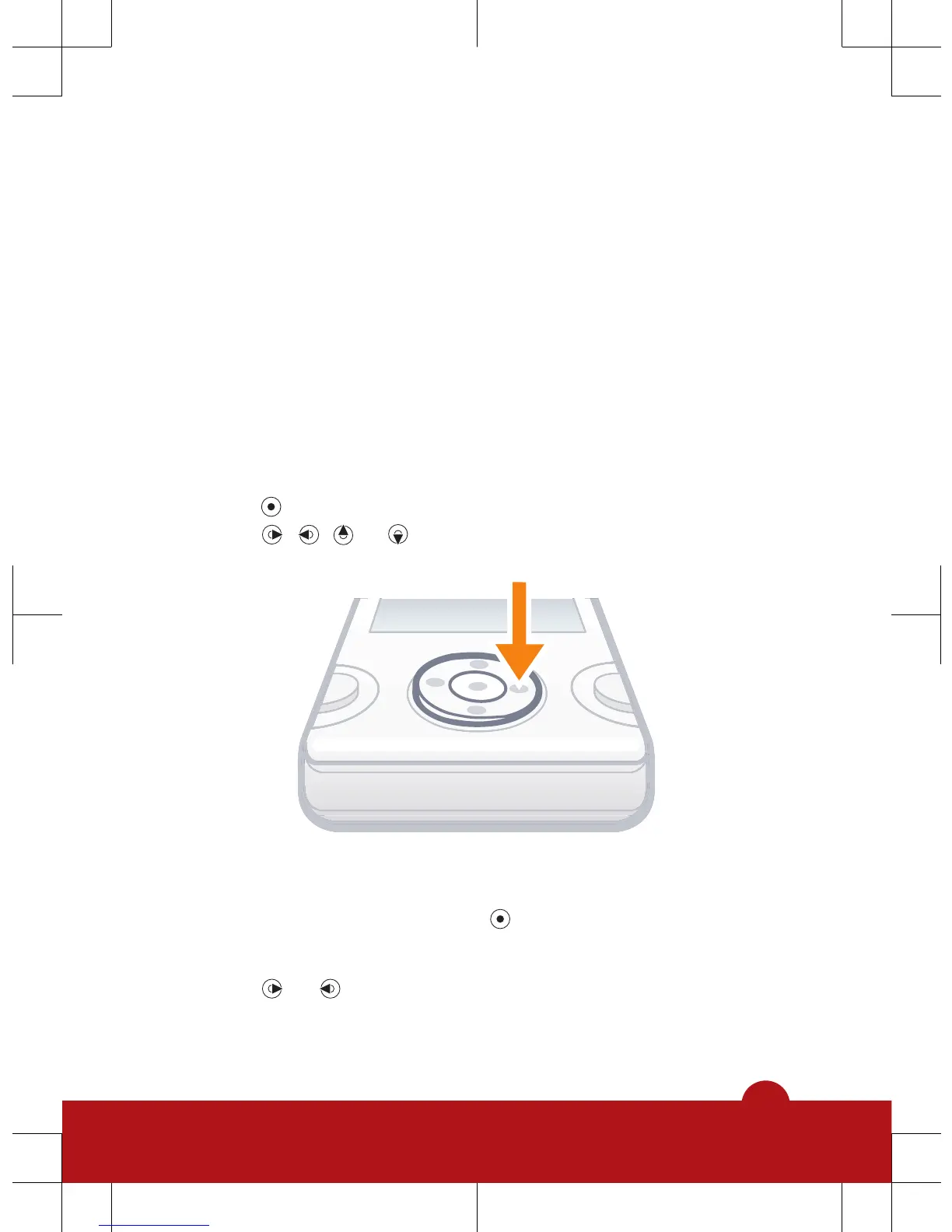
To navigate the phone menus
1
Press
to select Menu.
2
Press , , or to move through the menus.
To select an item
•
Scroll to the item and press .
To scroll between tabs
•
Press
or to go to a tab.
10














 To Next Page