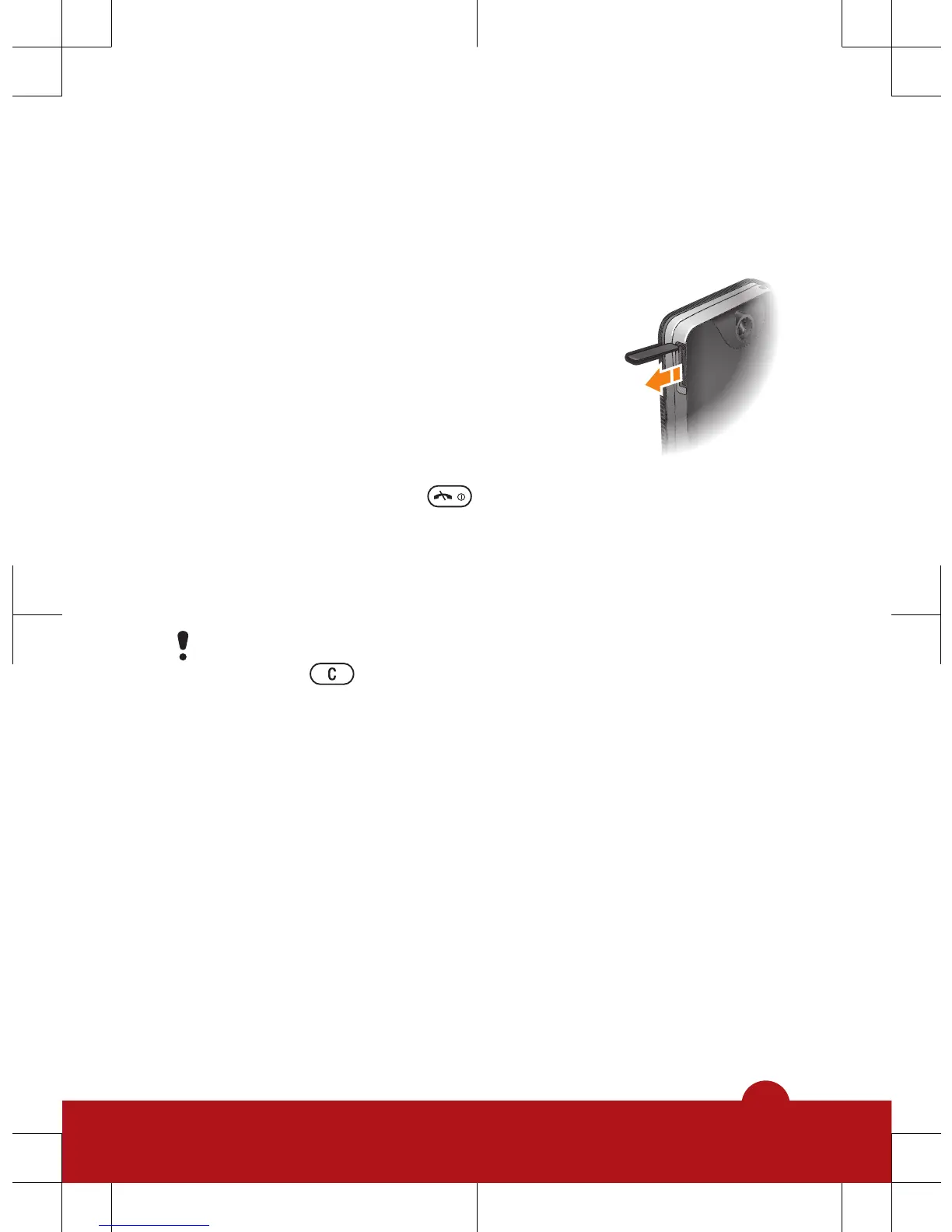
1
Open the cover of the memory card slot.
2
Insert the memory card with the gold-coloured contacts
facing down.
To remove a memory card
1
Open the cover of the memory card slot.
2
Press the edge of the memory card to
release and remove it.
Turning on the phone
To turn on the phone
1
Press and hold down .
2
Open the slider and enter your PIN, if requested.
3
Select OK.
4
Select a language.
5
Select Yes to use the setup wizard.
If you make a mistake when you enter your PIN, you
can press to delete numbers from the screen.
Standby
After you have turned on the phone and entered your PIN,
the name of the network operator appears. This view is
called standby. You phone is now ready for use.
5














 To Next Page