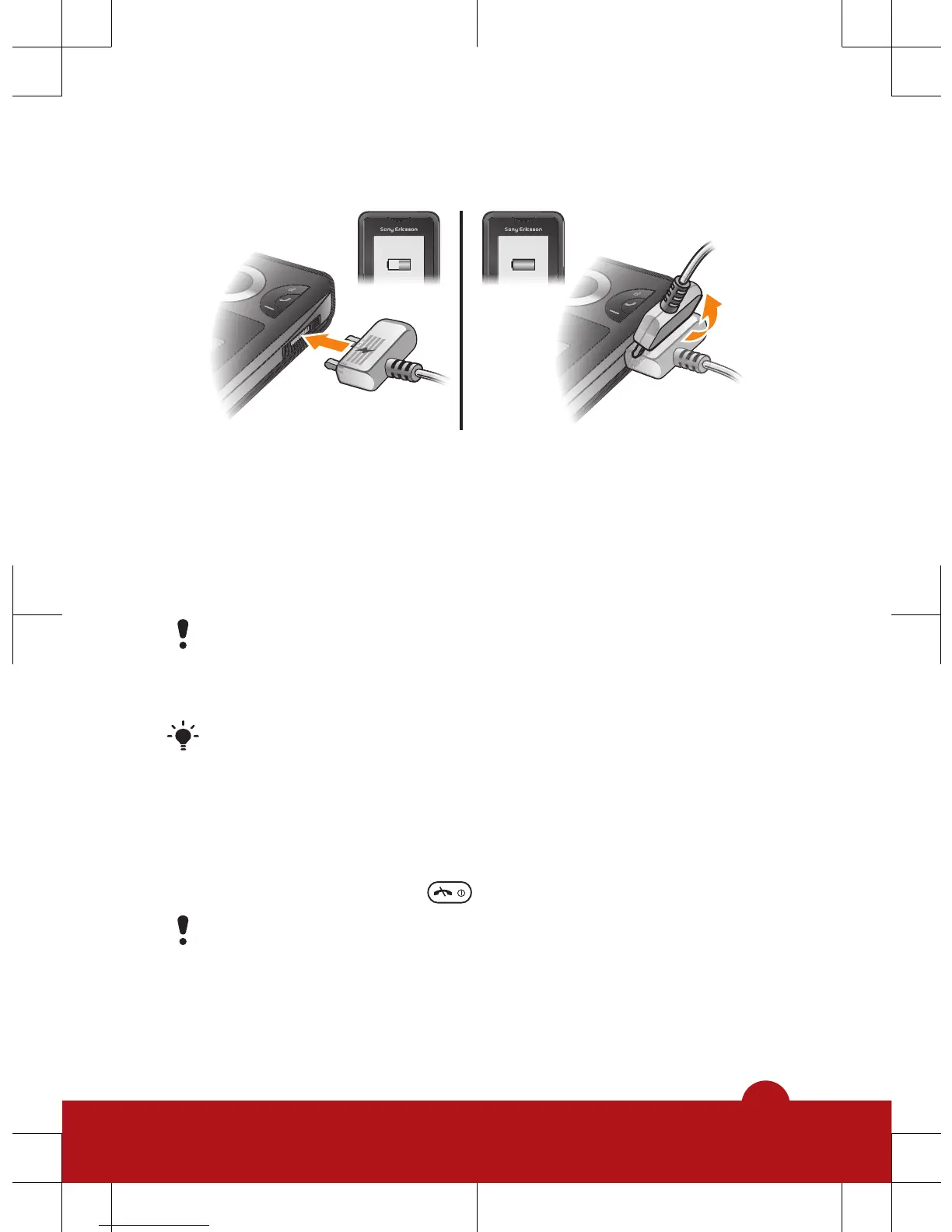
To charge the battery
1
Connect the charger to the phone with the power icon on
the charger facing upwards. It takes approximately 3
hours to fully charge the battery. Press a key to view the
screen.
2
To remove the charger, tilt the plug upwards.
The phone battery is partly charged when you buy it. It
may take a few minutes before the battery icon
appears on the screen.
You can use your phone while it is charging. You can
charge the battery at any time and for more or less
than 3 hours. You can interrupt the charging without
damaging the battery.
To turn off the phone
•
Press and hold down
.
Before turning off the phone, you must return to
standby.
6














 To Next Page