1
Press the centre of the battery cover and slide to remove
it. Remove the battery, if inserted.
2
Press the right edge of the SIM card and slide to remove
it.
Do not use any sharp objects to remove the battery
cover.
See the illustrations on your phone box for how to
insert the SIM card and battery.
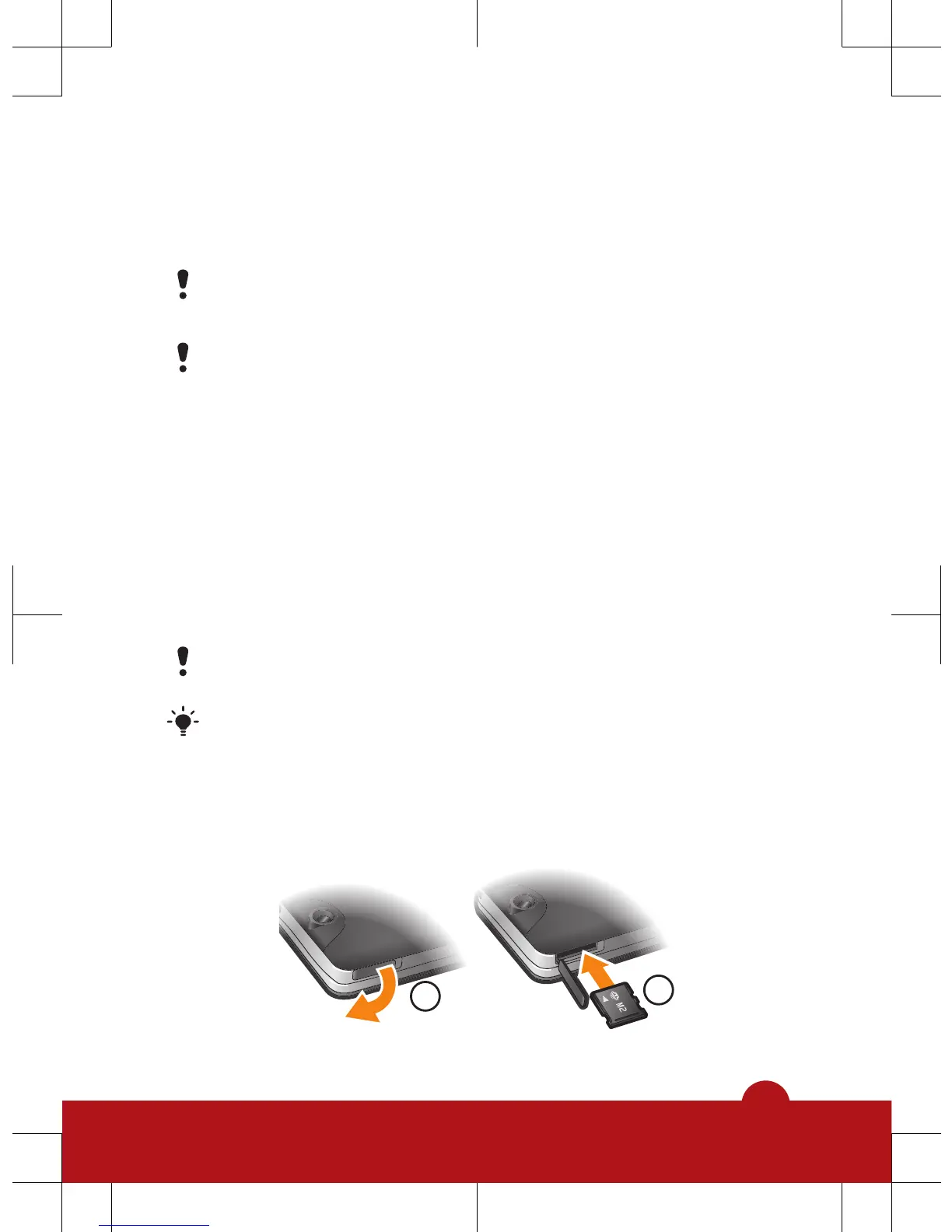
Memory card
Your phone supports Memory Stick Micro™ (M2™)
memory card up to 2 GB, adding more storage space to
your phone. It can also be used as a portable memory card
with other compatible devices. You can move content
between a memory card and the phone memory.
You may have to purchase a memory card separately.
We recommend that you install Java™ applications in
the phone memory.
To insert a memory card














 To Next Page