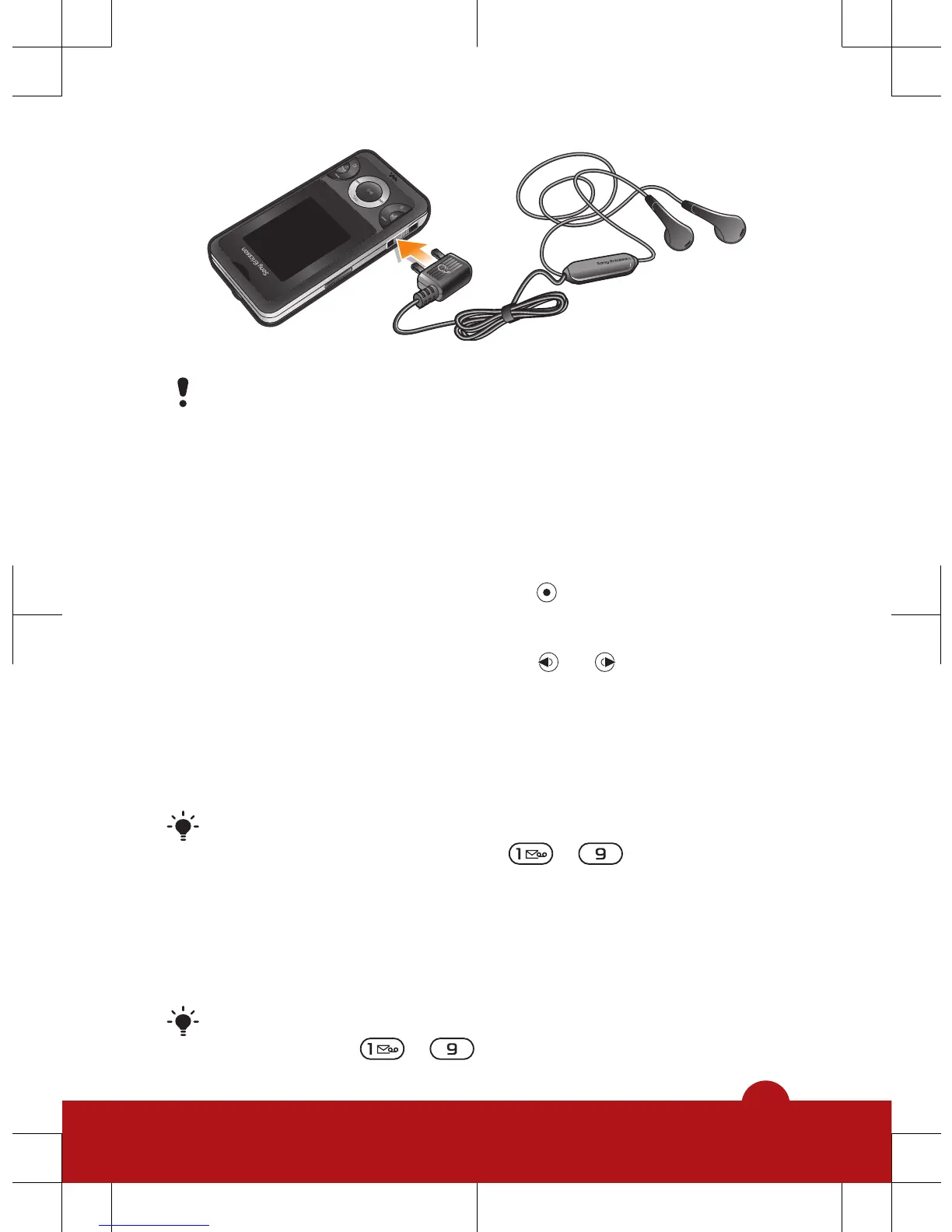
Do not use your phone as a radio in places where this
is prohibited.
To turn on the radio
1
Connect a handsfree to the phone.
2
Select Menu > Entertainment > Radio.
To search for channels automatically
•
When the radio is playing, press
.
To search for channels manually
•
When the radio is playing, press
or .
To save channels
1
When you have found a radio channel, select Options >
Channels > Save.
2
Scroll to a position and select Insert.
You can also save channels in positions 1 to 9 by
pressing and holding down
- .
To select saved channels
1
When the radio is playing, select Options > Channels >
Channel list.
2
Select a radio channel.
You can also select channels saved in positions 1 to
9 by pressing
- .
24














 To Next Page