22
Calling
You must turn on the phone and be within range of a network.
To make a call
1 From standby enter the area code, if applicable, and the
phone number.
2 Press .
To end a call
• Press .
To answer a call
• Press .
To reject a call
• Press .
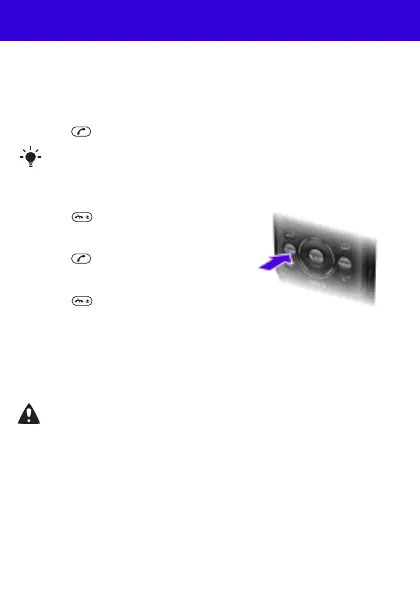
To change the ear speaker volume during a call
• Press the volume key up or down.
To turn on the loudspeaker during a call
• Select SpkrOn.
To view missed calls from standby
• When Missed calls: is displayed, select View.
You can call numbers from your contacts and call list. See
Contacts on page 26 and Call list on page 23.
Do not hold the phone to your ear when using the
loudspeaker. This could damage your hearing.
This is the Internet version of the User guide. © Print only for private use.












 To Next Page