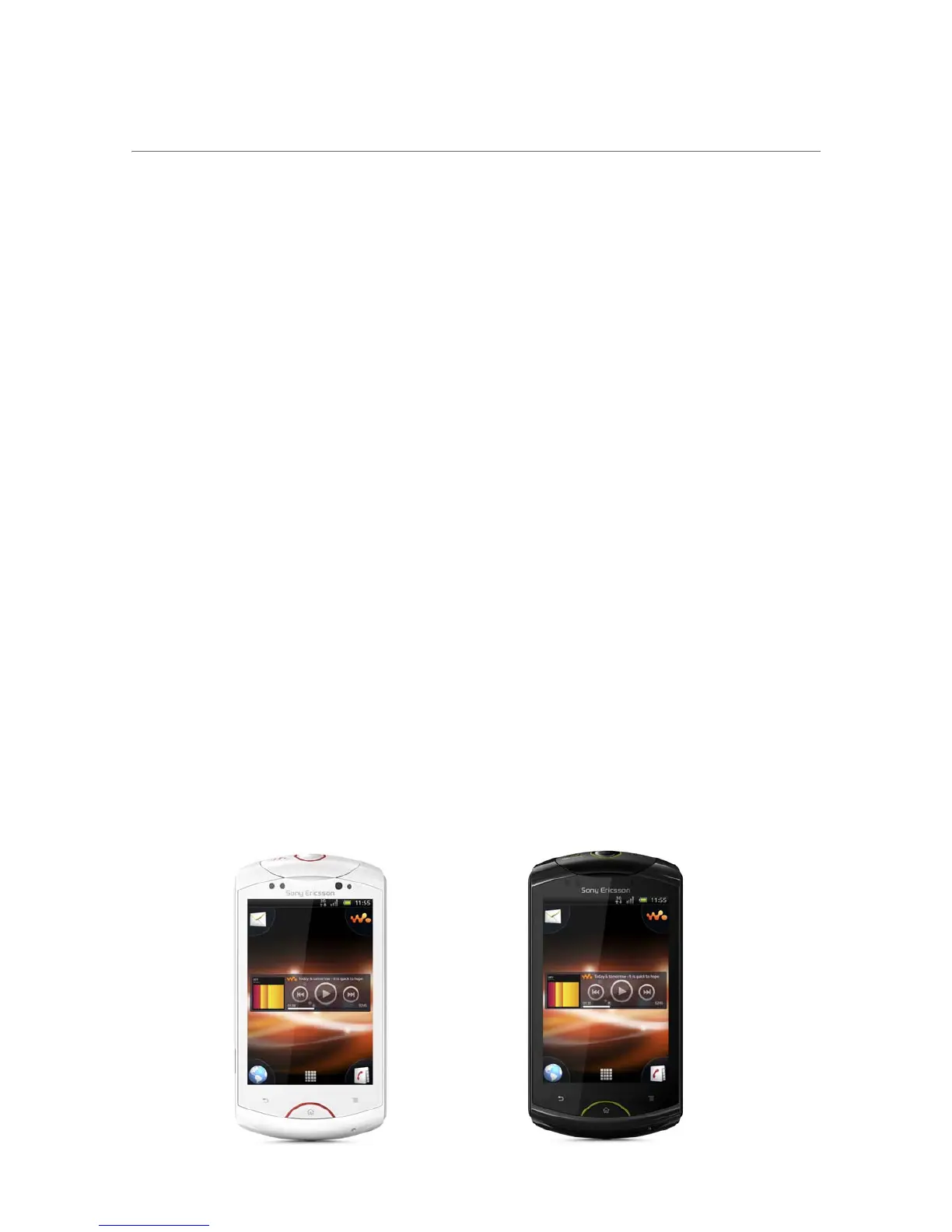
White paper | Sony Live with Walkman™
5 November 2012
Sony Mobile signature features
Sony live with Walkman™ comes with a range of Sony Mobile features as standard. Below is a summary
of the key signature features.
Sony Mobile Timescape™
The place to meet your friends
The Timescape™ application manages all your communication with one person in one place. You can
effortlessly browse by category your Facebook™*, Twitter™*, email and text communications, as well as
view your photos. Now everything is all together and in chronological order, so you don't have to open dif-
ferent applications to see what's going on.
Sony Mobile infinite button
Everything you want from everywhere
Tap the infinite button in the Timescape™ application and smart filter each category of communication by
person. For example, when viewing a text message from a friend in Timescape™, tap the infinite button to
view a list of all chat messages with that friend.
Sony Mobile Sync
Your mobile life on the web
Synchronise your phone data using Sony Sync so that you always have a backup. While you’re at it,
match your phone contacts with your Facebook™ contacts. All your synchronised phone data is right at
your fingertips and in your account on www.sonymobile.com.
Sony Mobile Local connectivity
More control over your media
Using Sony Mobile Local connectivity, you can exercise more control over how media files get transferred
and stored. For example, you can select MTP mode to transfer files if you want to limit the risk of data cor-
ruption or select MSC mode if you want to have more control over the data storage.
Sony Mobile Home screen application
The place you call Home
Customise your Home screen with widgets, shortcuts, folders, themes, wallpaper and other items.
Where’s best for you? Email top right? Music player bottom left? You decide. With four extensions to your
Home screen, you’ve got plenty of space to put things where you want. Just remember to flick left or right
to find them.
* This service is not available in all markets.












 To Next Page