9 (GB)
GB
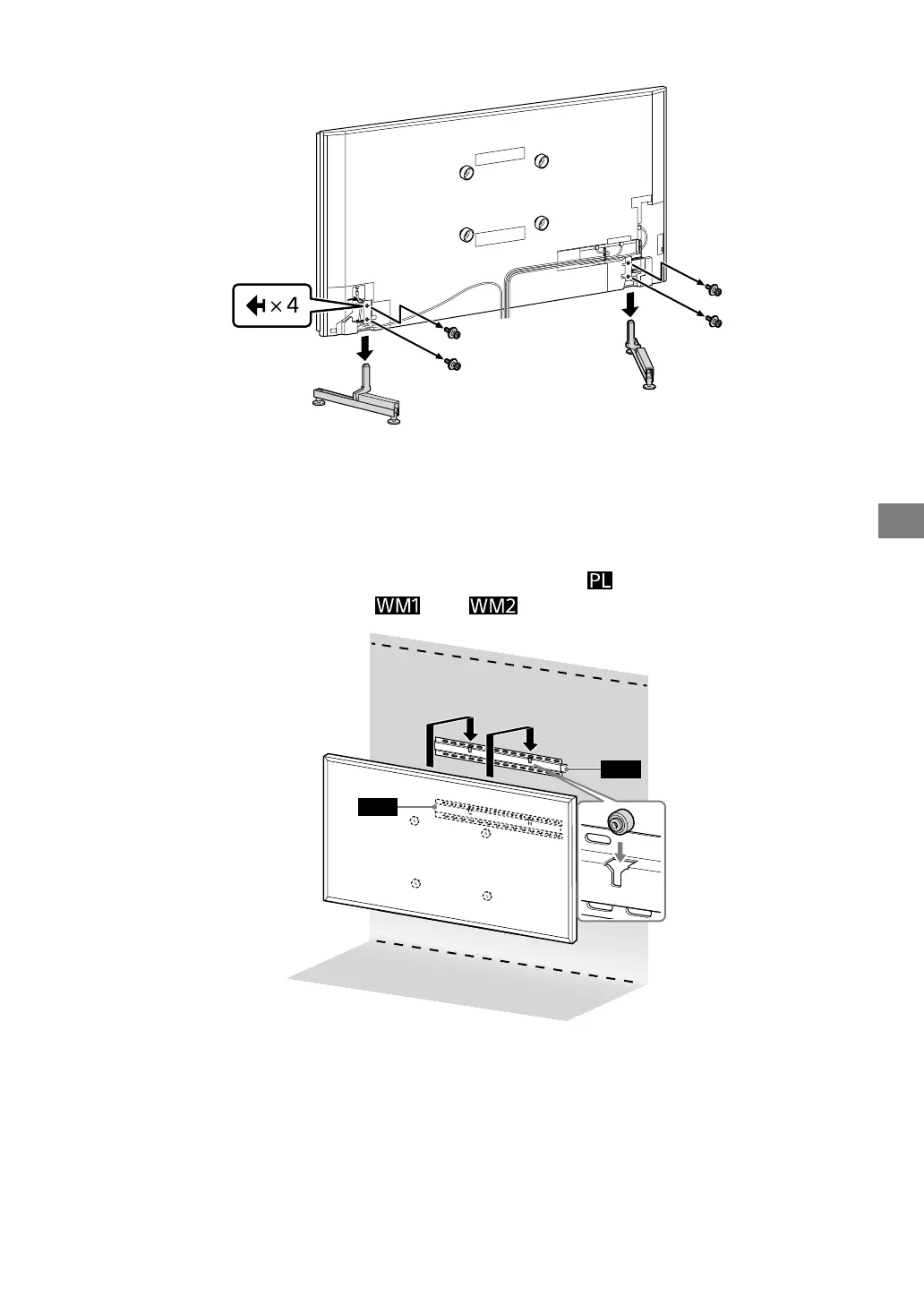
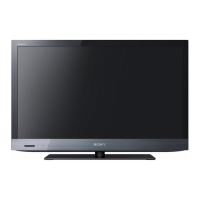
9 Detach the Table-Top Stand from the TV.
Note
•Do not remove the Table-Top Stand for any reason other than to install corresponding accessories on the TV.
•Be sure the TV is vertical before turning on. To avoid uneven picture uniformity, do not power on the TV with the LCD
panel facing down.
•When attaching the Table-Top Stand again, be sure to fasten the screws (previously removed) to the original holes on the
rear of the TV.
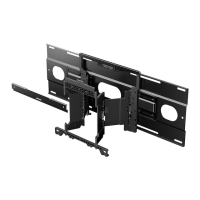
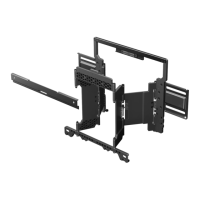
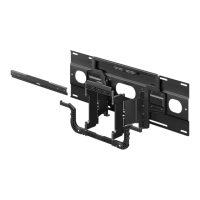
10 Install the TV on the wall. Confirm the Pulleys are firmly latched into
the Wall-Mount Bracket
and .
WM1
WM2



 To Next Page