Help Guide
Interchangeable Lens Digital Camera
ILCE-6100 α6100
AE lock
When the contrast between the subject and background is high, such as when shooting a backlit subject or a subject
near a window, meter the light at a spot where the subject appears to have the appropriate brightness and lock the
exposure before shooting. To reduce the brightness of the subject, meter the light at a spot brighter than the subject and
lock the exposure of the entire screen. To make the subject brighter, meter the light at a spot darker than the subject and
lock the exposure of the entire screen.
Hint
If you select the MENU →
(Camera Settings2) → [ Custom Key] or [ Custom Key] → [AEL Button] → [AEL toggle],
you can lock the exposure without holding down the button.
Note
[
AEL hold] and [ AEL toggle] are not available when using zoom functions other than optical zoom.
5-009-879-11(1) Copyright 2019 Sony Corporation
Adjust the focus on the spot at which the exposure is adjusted.
1
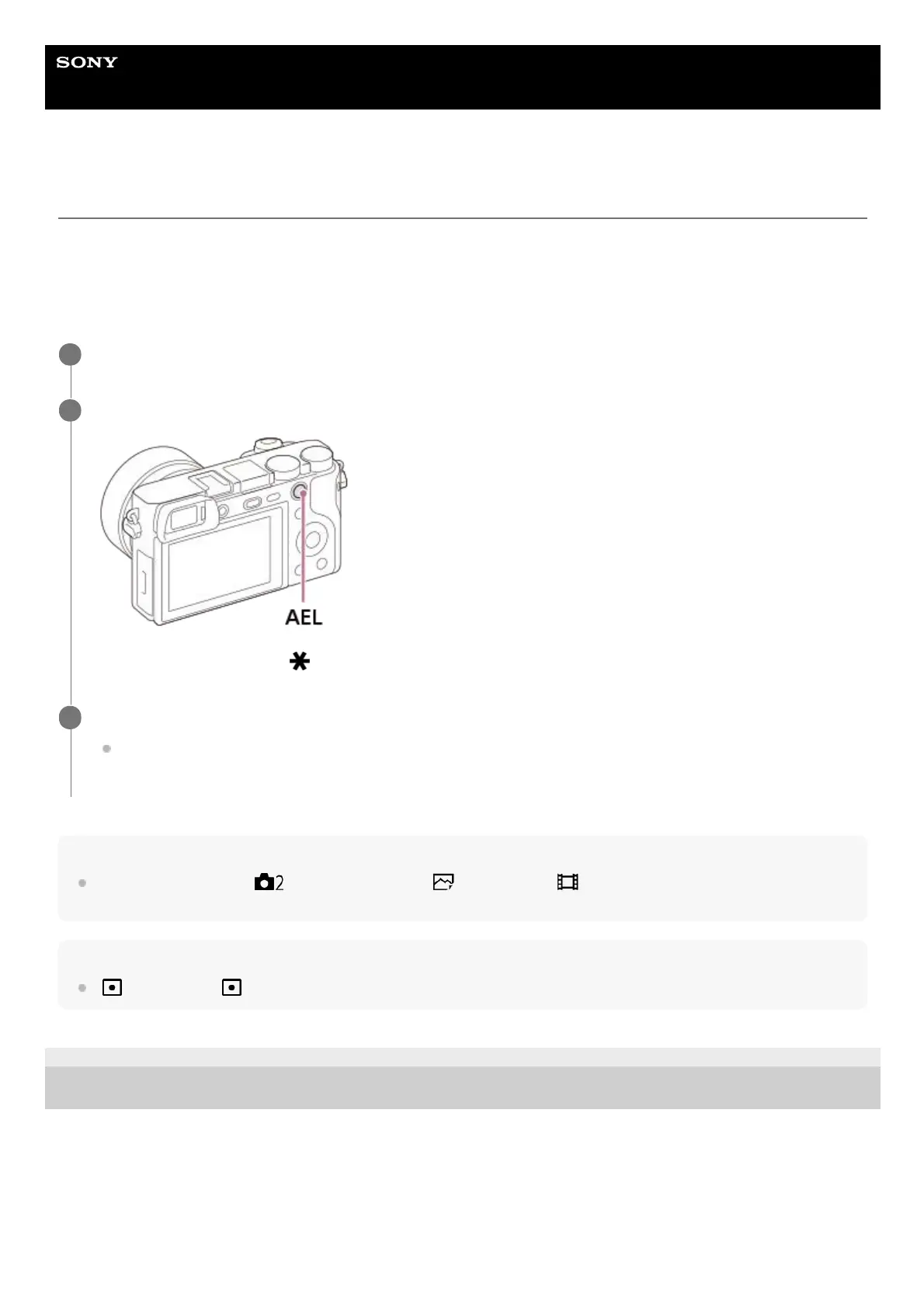
Press the AEL button.
The exposure is locked, and (AE lock) is displayed.
2
Keep pressing the AEL button and focus on the subject again, then shoot the picture.
Keep holding the AEL button down while taking a shot if you want to continue shooting with the fixed exposure.
Release the button to reset the exposure.
3



 To Next Page