Hint
When you use a memory card with the camera for the first time, it is recommended that you format the card on the camera for
more stable performance of the memory card.
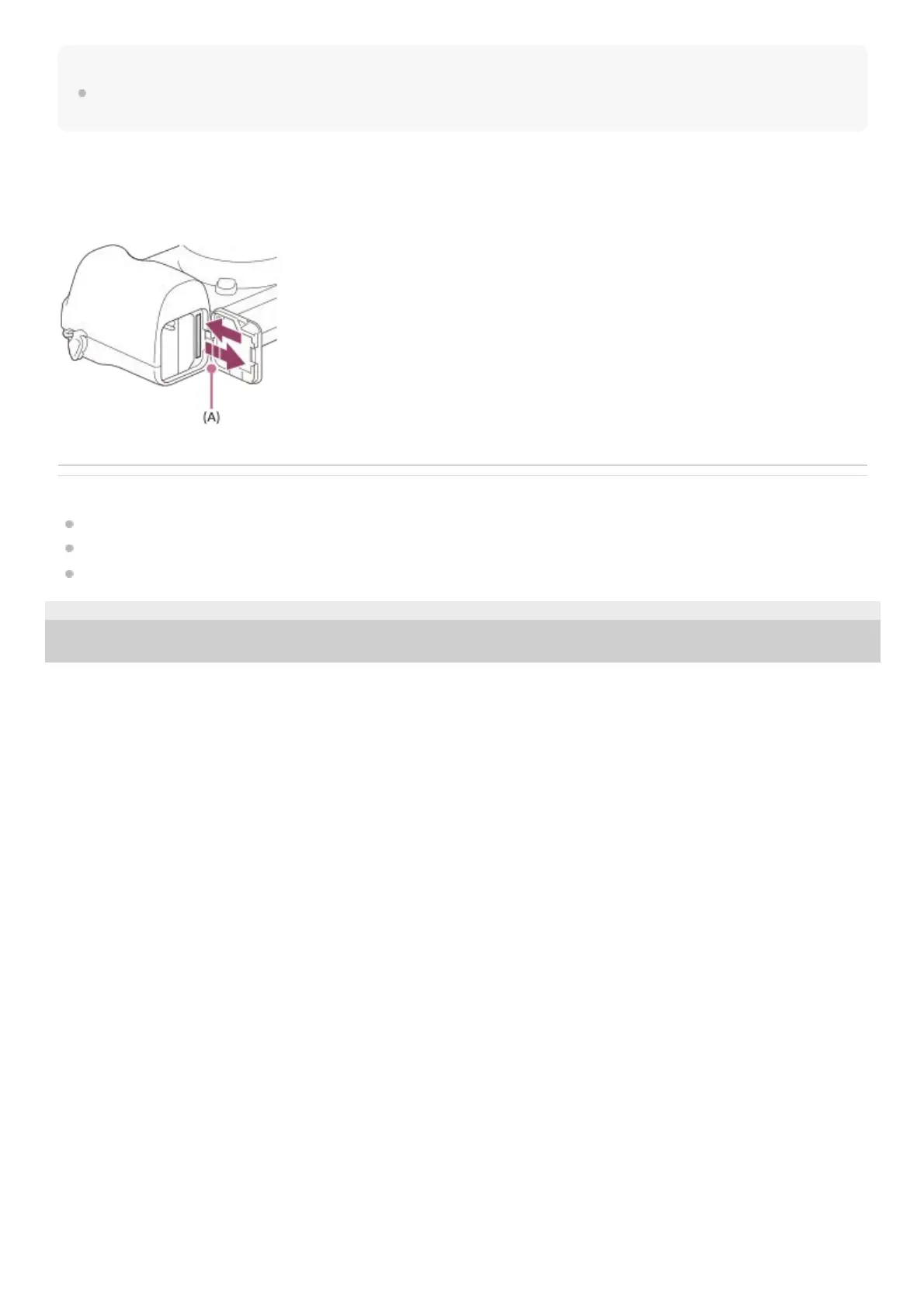
To remove the memory card
Open the memory card cover and make sure that the access lamp (A) is not lit, then push in the memory card lightly
once to remove it.
Related Topic
Memory cards that can be used
Notes on memory card
Format
5-009-879-11(1) Copyright 2019 Sony Corporation



 To Next Page