Remove the eyepiece cup when you attach an accessory (sold separately) to the Multi Interface Shoe.
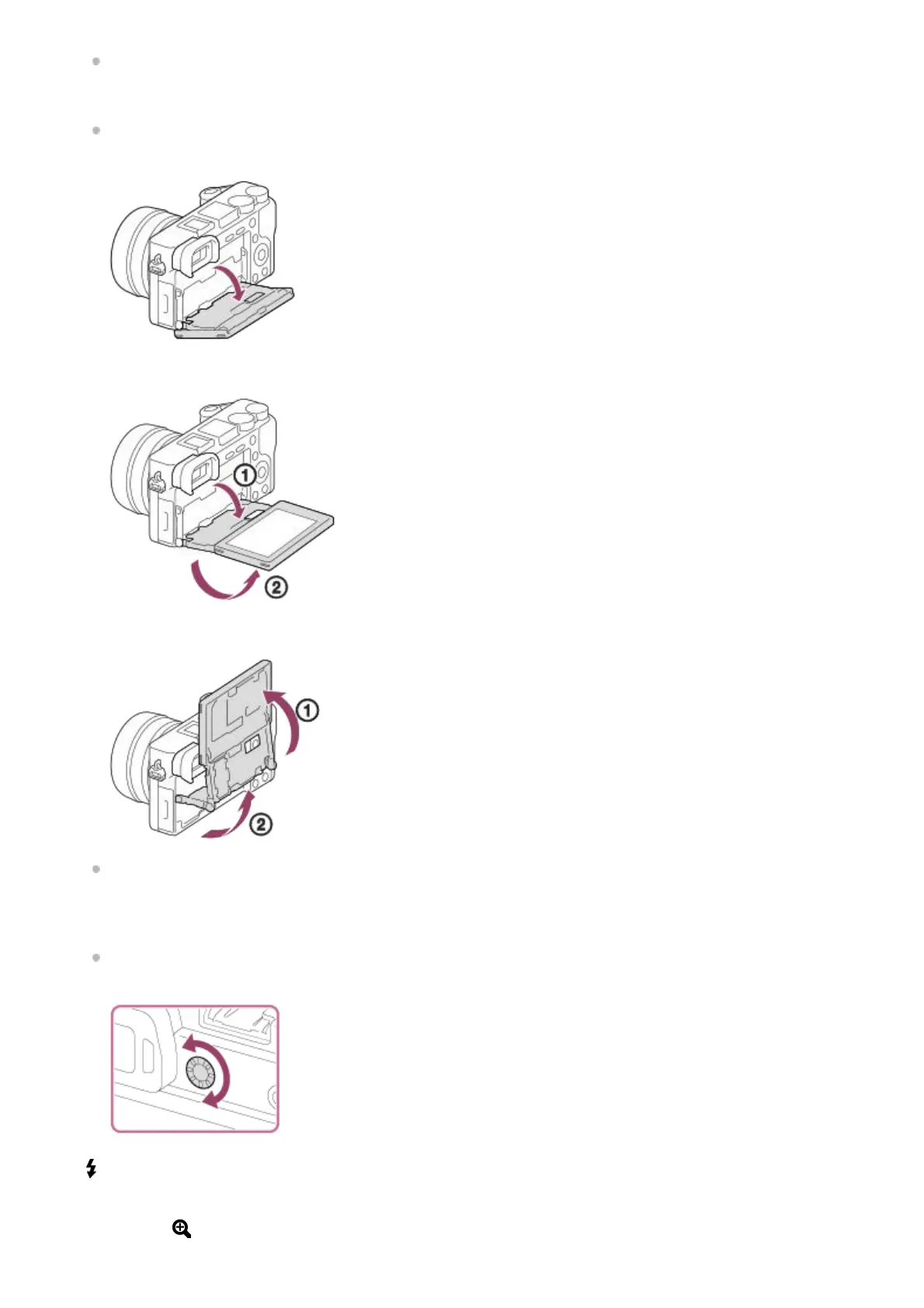
Monitor
You can change the monitor angle to shoot from any position you like.
High position (holding the camera high)
Low position (holding the camera low)
Selfie position (facing the monitor toward you to take a selfie)
You may not be able to adjust the monitor angle depending on the type of a tripod you use. In such a case,
release the tripod screw once to adjust the monitor angle.
4.
Diopter-adjustment dial
Adjust the diopter-adjustment dial to your eyesight until the display appears clearly in the viewfinder. If it is difficult
to turn the diopter-adjustment dial, remove the eyepiece cup and then adjust the dial.
5.
(Flash pop-up) button6.
MENU button7.
For shooting: AEL button
For viewing:
(Enlarge) button
8.
MOVIE (Movie) button9.



 To Next Page