Help Guide
Interchangeable Lens Digital Camera
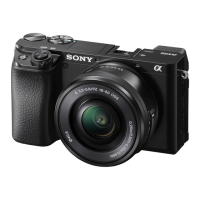
ILCE-6100 α6100
Viewfinder Bright.
When using the viewfinder, this product adjusts the brightness of the viewfinder according to the surrounding
environment.
Menu item details
Auto:
Adjusts the brightness automatically.
Manual:
Selects the brightness of the viewfinder within the range of –2 to +2.
5-009-879-11(1) Copyright 2019 Sony Corporation
MENU →
(Setup) → [Viewfinder Bright.] → desired setting.
1


 To Next Page