ILCE-6600
5-009-960-41(1)
GB
7
X:\CX88300(CS)\Multi\02_Compose\5009960411_14lang\5009960411ILCE6600CEC\01GB-ILCE6600CEC\01GB.indd
DTP data saved: 2019/08/01 10:25
PDF file created: 2019/08/01 15:39
GB
Shooting movies
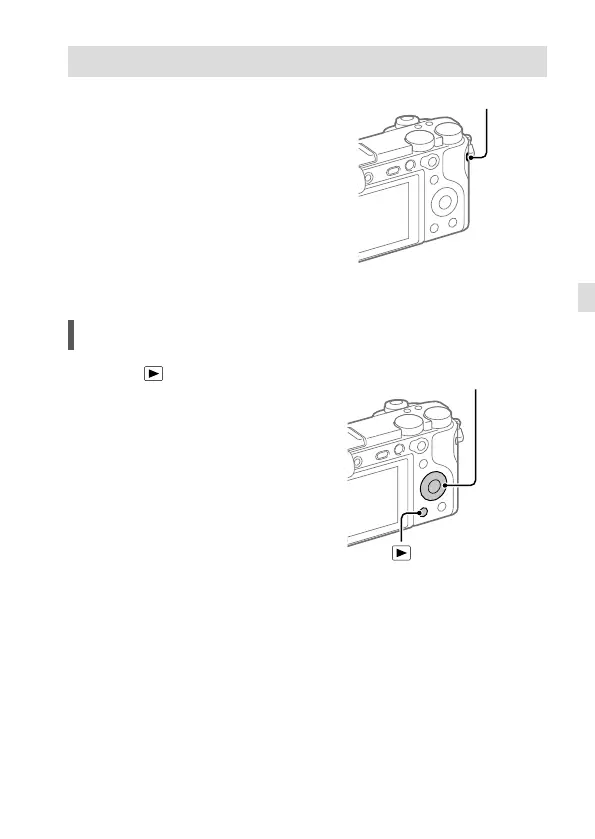
1 Press the MOVIE (Movie) button to
start recording.
Movie recording can be started from
any shooting mode in the default
setting.
MOVIE (Movie) button
2 Press the MOVIE button again to
stop recording.
Viewing
1 Press the (Playback) button to
switch to the playback mode.
(Playback)
button
Control wheel
2 Select an image with the control
wheel.
You can move to the previous image/
next image by pressing the left/right
side of the control wheel.
To start playing back a movie, press
the center button on the control
wheel.



 To Next Page