7
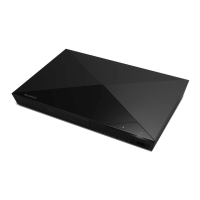
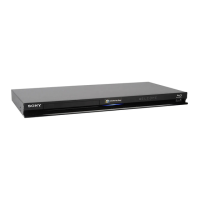
Guide to Parts and Controls
z
The N button has a tactile dot. Use the tactile dot as a reference when operating the player.
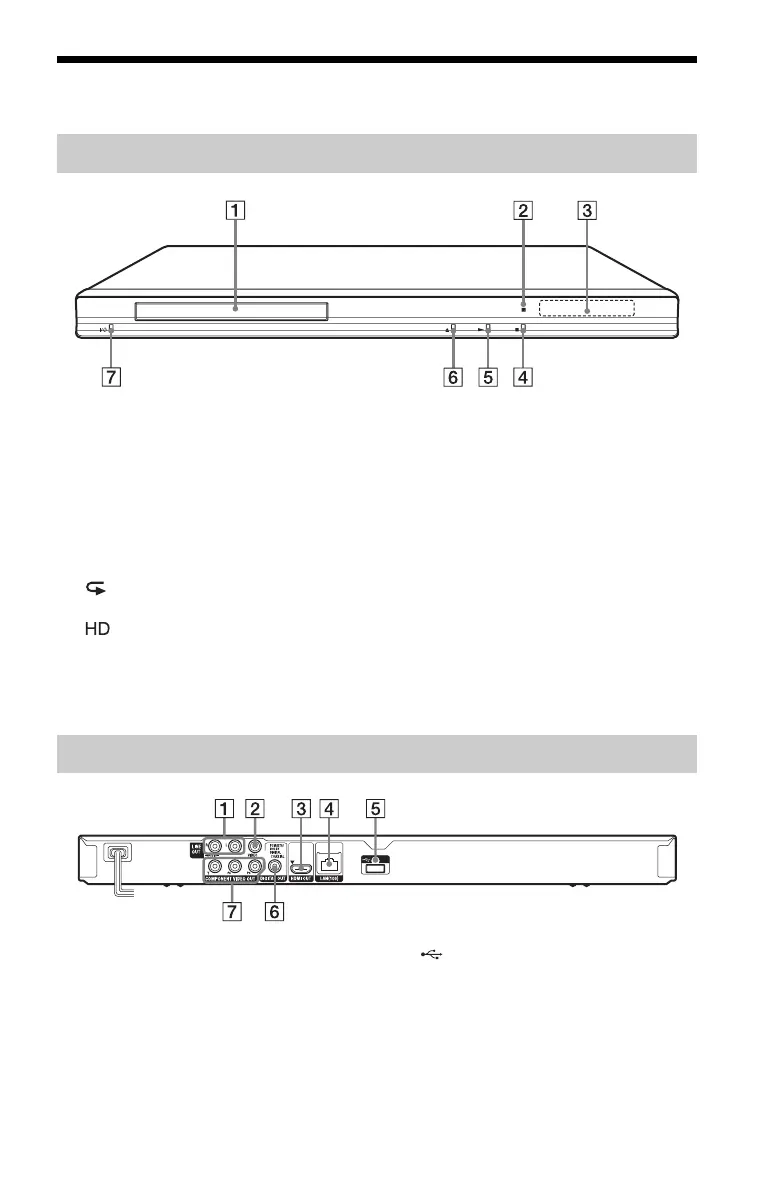
A Disc tray
B Remote sensor
C Front panel display
N, X: Lights up during playback or
pause.
: Lights up when enabling the repeat
setting.
: Lights up when outputting 720p/
1080i/1080p video signals.
D x (stop)
E N (play)
F Z (open/close)
G [/1 (on/standby)
Turns on the player, or sets to standby
mode.
To lock the disc tray (Child Lock)
You can lock the disc tray to prevent it being
opened by mistake.
When the player is turned on, hold down N
on the player for more than 10 seconds. The
disc tray is locked or unlocked.
A LINE OUT (R-AUDIO-L) jacks
B LINE OUT (VIDEO) jack
C HDMI OUT jack
D LAN (100) terminal
E (USB) jack
F DIGITAL OUT (COAXIAL) jack
G COMPONENT VIDEO OUT
(Y, P
B, PR) jacks
Front panel
Rear panel
,continued



 To Next Page