35
Playback
b
• Set the picture setting of your TV to ‘Standard’
before changing the “Picture Quality Mode”
setting.
• “Video Settings” is not available when the
connected TV is set to Theater Mode (page 16).
• Depending on the disc or the scene being played,
“FNR,” “BNR” or “MNR” effects may be hard to
discern.
To adjust the audio characteristics
1 Press OPTIONS during playback.
The options menu appears.
2 Select “A/V Settings” using M/m, and
press ENTER.
3 Select “Audio Settings” using M/m , and
press ENTER.
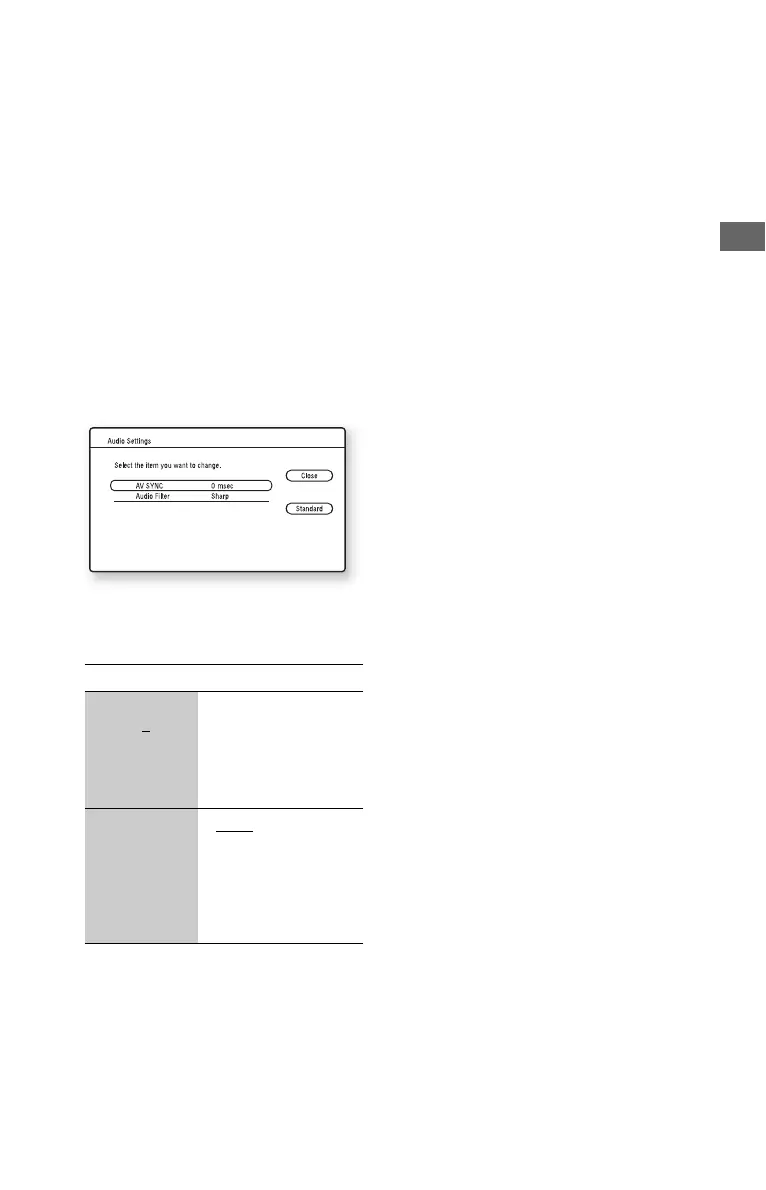
The “Audio Settings” screen appears.
4 Select an item using M/m, and press
ENTER.
The default settings are underlined.
5 Select or adjust the settings using </M/
m/,, and press ENTER.
To adjust any other items, repeat steps 4
and 5.
b
• The “Audio Filter” function does not work for
digital audio signals output from the HDMI OUT/
DIGITAL OUT (OPTICAL/COAXIAL) jacks.
• There may be little effect by changing the “Audio
Filter” setting depending on the disc or playback
environment.
Items Details
AV SYNC
(short) 0
~
120 msec
(long)
Adjusts the gap between
picture and sound, by
delaying the sound
output in relation to the
picture output (0 to
120 milliseconds).
Audio Filter
(for analog
audio signals
only)
•Sharp
: Provides a
wide frequency range
and spatial feeling.
Normally select this.
• Slow: Provides
smooth and warm
sound.



 To Next Page