31
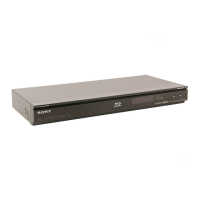
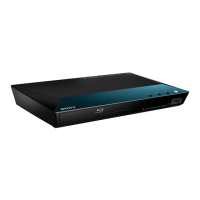
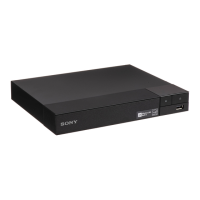
BDP-S5500/BDP-S3500/BDP-S1500
4-549-800-41(1)
master page=right
E:\SONY
DVD\SD140035\4549800411_GB\060ADJ.fm
Settings and Adjustments
x [Software License Information]
Displays information about the Software
License.
[Network Settings]
x [Internet Settings]
Connect the player to the network
beforehand. For details, see “Step 2:
Preparing for Network Connection”
(page 17).
[Wired Setup] (BDP-S5500/S3500
only): Select this when you connect to a
broadband router using a LAN cable.
[Wireless Setup(built-in)]
(BDP-S5500/
S3500 only): Select this when you use
the wireless LAN that is built into the
player for wireless network connection.
x [Network Connection Status]
Displays the current network status.
x [Network Connection
Diagnostics]
Checks for the proper network
connection by running the network
diagnostics.
x [Screen mirroring RF Setting]
(BDP-S5500/S3500 only)
[Auto]: Sets the RF (Radio Frequency)
channel band automatically for Screen
mirroring connection.
[CH 1]/[CH 6]/[CH 11]: Sets CH 1/
CH 6/CH 11 as priority.
x [Connection Server Settings]
(BDP-S5500/S3500 only)
Sets whether or not to display the
connected server.
x [Auto Renderer Access
Permission] (BDP-S5500/S3500
only)
[On]: Allows automatic access from
newly detected DLNA controller-
compatible product.
[Off]: Turns off the function.
x [Renderer Access Control]
(BDP-S5500/S3500 only)
Displays a list of DLNA controller-
compatible products and sets whether or
not each product is accessible via this
player.
x [Registered Remote Devices]
(BDP-S5500/S3500 only)
Displays a list of your registered remote
devices.
x [Remote Start]
[On]: Turns the player on or off using
your remote device when connecting to
the network.
[Off]: Turns off the function.
[Easy Network
Settings]
Select [Easy Network Settings] to
specify the network settings. Follow the
on-screen instructions.



 To Next Page