5(E)
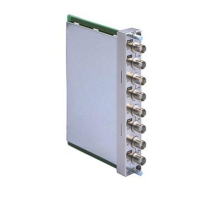
Note on using the BKM-41HD/42HD Input
Adaptor
When installing the input adaptor in an input option
slot on the rear of the video monitor, or fitting a cover
plate to an unused slot,
always do such operation in
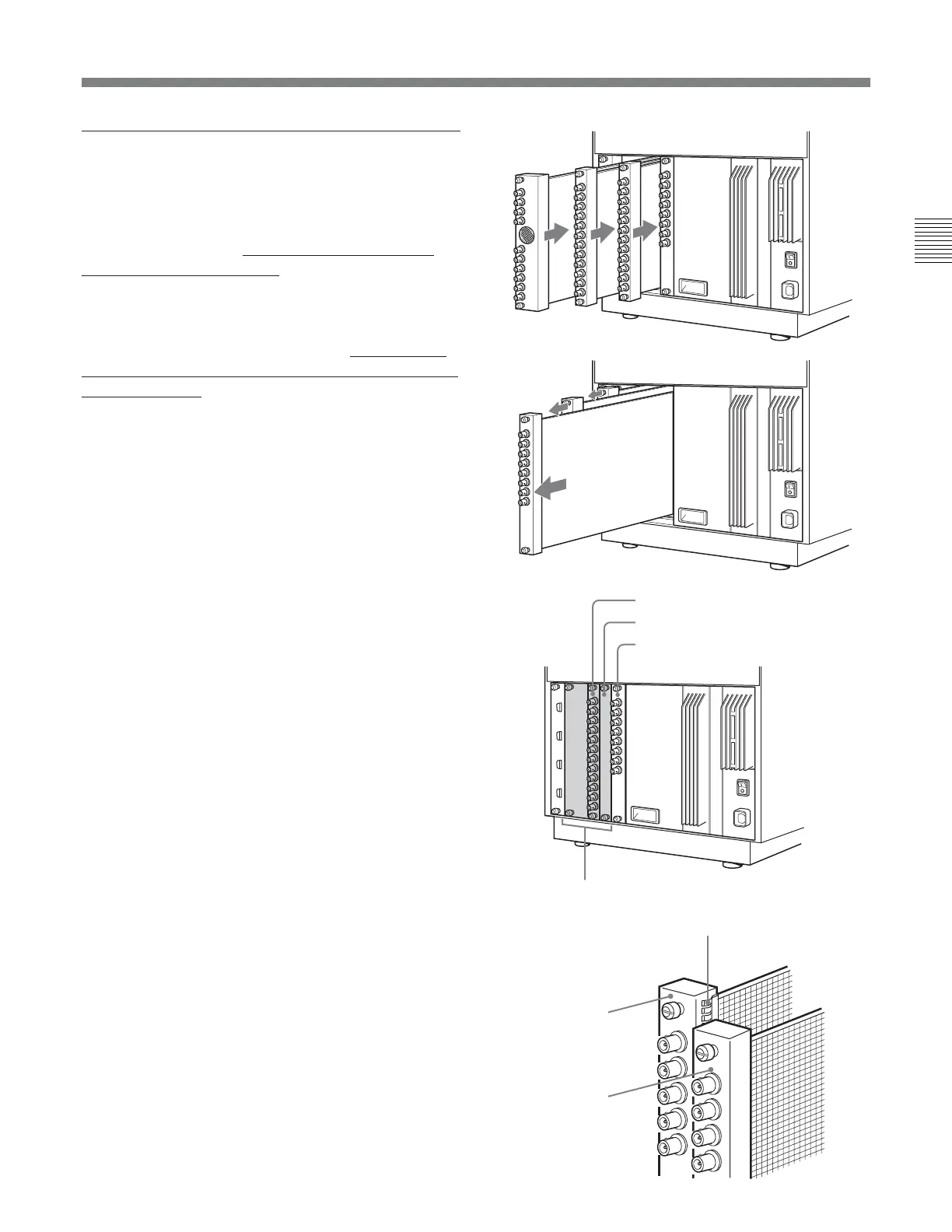
order from the rightmost slot, as shown in Figure 1. If
a BKM-41HD/42HD is already installed, first of all
remove it and then do the installing operation in order
from the rightmost slot.
When removing a BKM-41HD/42HD,
always loosen
all input adaptor screws and then remove in order from
the rightmost slot, as shown in Figure 2.
When one of the input option slots on the rear of the
video monitor has a BKM-41HD/42HD installed, if
the slot to the right has another adaptor or the analog
input connectors board, or a cover plate fitted, as
shown in Figure 3, the radiation shield of the BKM-
41HD/42HD may be damaged or detached (see Figure
4). Using the BKM-41HD/42HD with the radiation
shield damaged or detached may result in
electromagnetic interference. Always use care about
the radiation shield.
Figure 3
Input adaptor
Cover plate
Input option slots
Analog input connectors board
Figure 2
Figure 1
Figure 4
Radiation shield
Input adator, etc.
BKM-41HD/42HD


 To Next Page
 Loading...